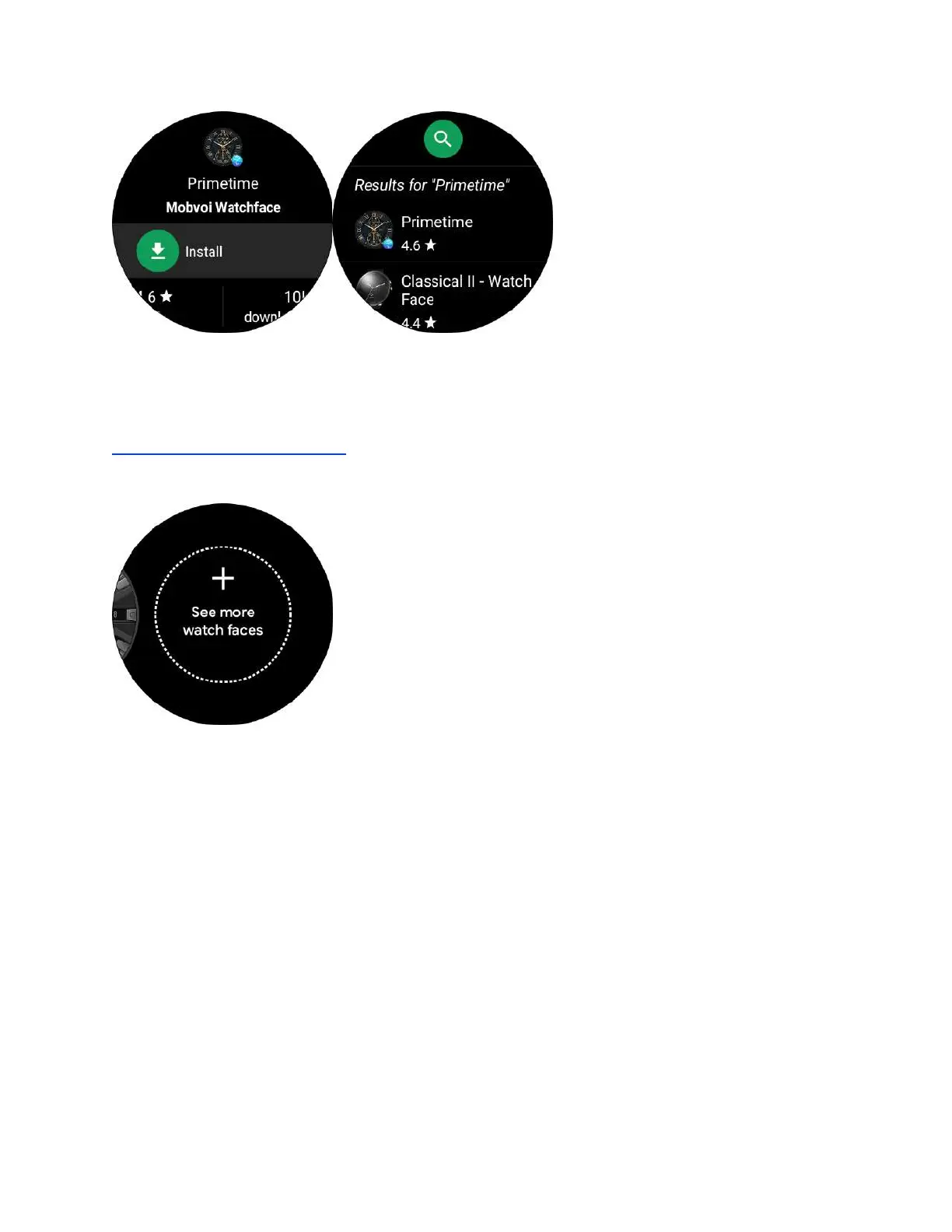
4. Please refer to the link below for dial details.
https://dwz.cn/OqvqqBg0 (Click to view the video)
13. Q: How to change the watch face
A:
1. Go to watch home screen, touch and hold the screen
2. Swipe to the left, the following interface will show up
3. Click on “+” to access Watch Face Center. Swipe to browse and choose watch
face.



 To Next Page