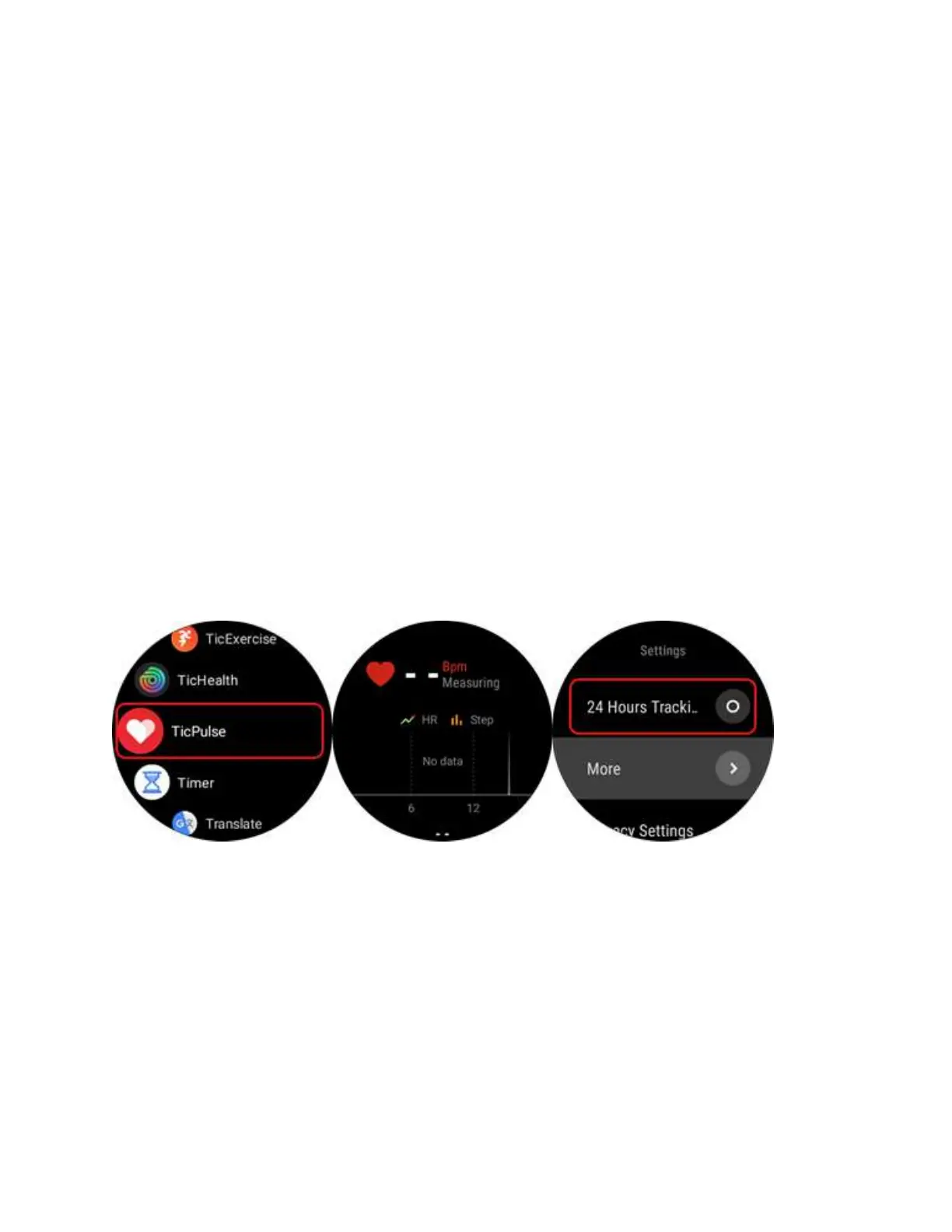
6. Q: How to enable 24-Hour Heart Rate
Monitoring?
A:
1. Please enter the main menu by pressing the upper button.
2. Click the “TicPulse” App and you would see the “Data request settings”. Then
enable “Heart Rate” and click “Done”.
3. You would find “24 Hours Tracking” is disabled by default with an “O” sign.
Please click the “O” sign to enable “24 Hours Tracking”. The sign will change
to “I” accordingly.
4. Swipe right and you would easily view your HR zone Analysis.



 To Next Page