| 25 |
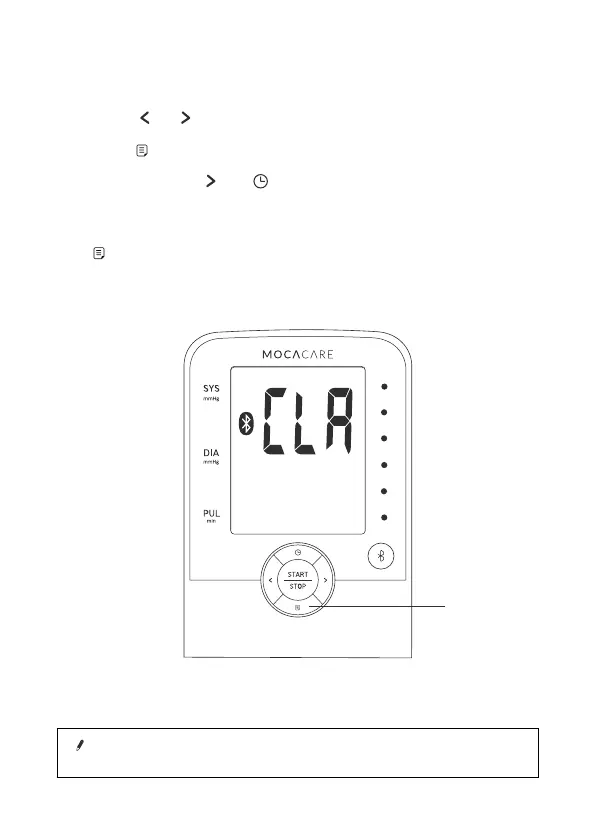
1. Press or button to select User 1, 2, or 3.
2. Press
button to enter Memory Mode.
3. Press and hold and buttons at the same time, the data will
be erased automatically.
4. To confirm the data in the selected user has been erased, press
button and no data should appear.
Erasing data
Note!
Once deleted, your data can NOT be restored.
M button



 To Next Page