Manual MODSTER EC-135
34 www.modster.at
Notes on Downward Vision Mode
Please pay attention to the surrounding flying environment� The vision system only
serves as an auxiliary function under limited conditions� It cannot replace human judg-
ment and control� Users should constantly be aware of the surrounding environment
during flight, maintain control over the aircraft throughout the entire flight, and take
responsibility for their actions�
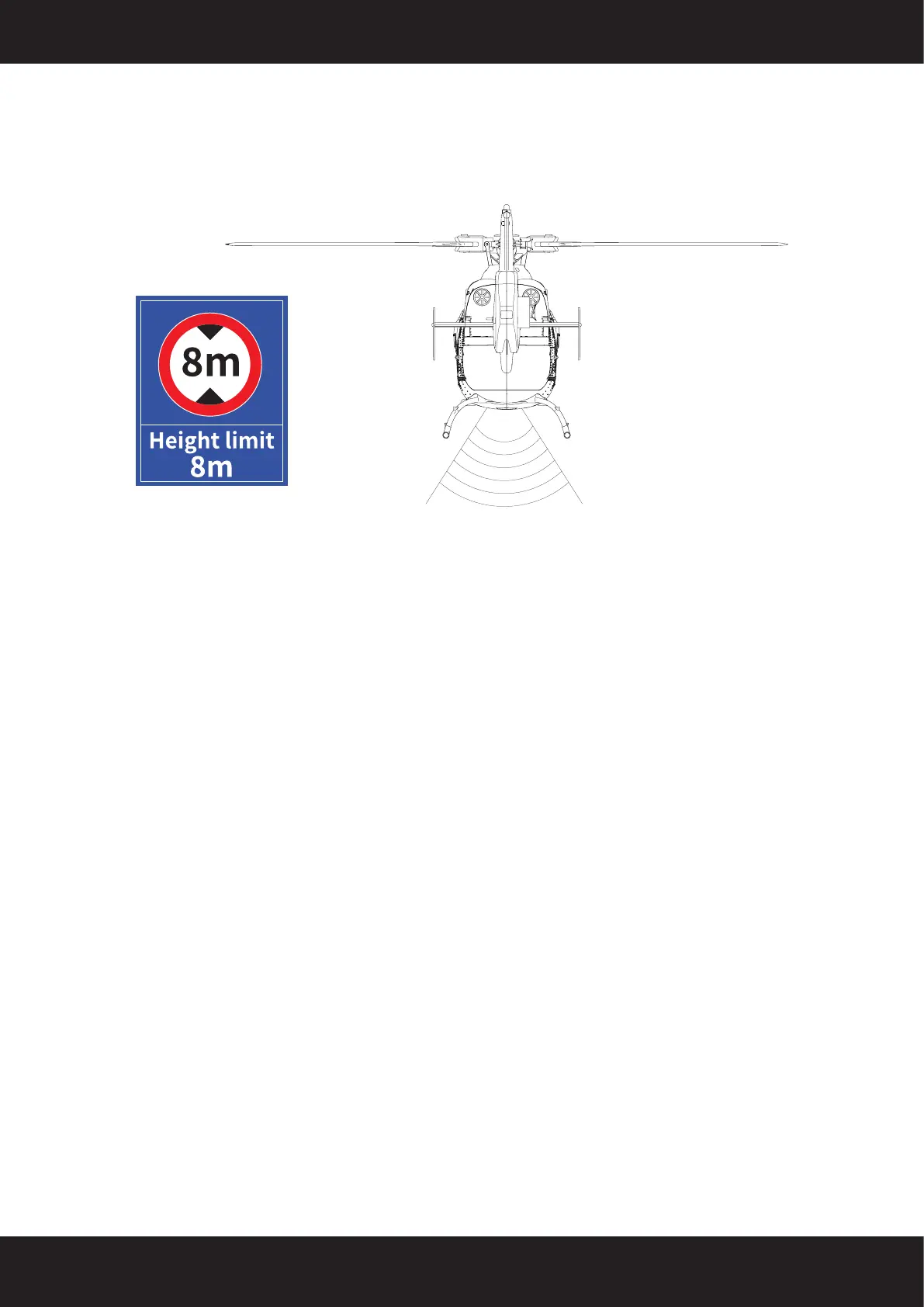
The downward vision system relies on the camera to lock onto objects below and
limits the takeo altitude to 8 meters� Please avoid taking o from rooftops or flying
over rooftops, as it may cause the downward vision to fail, resulting in aircraft drift� In
such cases, immediately fly the aircraft back or switch to manual stability mode�
The downward vision system cannot recognize surfaces without textured features and
cannot function properly in environments with insucient or excessive lighting� The
following scenarios are where the downward vision system cannot work:
1� Solid color surfaces (e�g�, solid black, solid white, solid red, solid green)
2� Surfaces with strong reflections or reflections
3� Water surfaces or surfaces of transparent objects
4� Surfaces of moving objects (e�g�, above crowds, bushes, and grasses swaying in
strong winds)
5� Scenes with rapidly changing lighting conditions
6� Surfaces that are exceptionally dark or exceptionally bright
7� Surfaces of materials that have strong absorption or reflection of infrared


 To Next Page