Customer Service 908-368-1025︱
︱︱
︱www.modwayfurniture.com Page 3 of 8
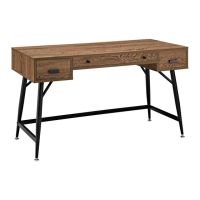
EEI -1328 DESK
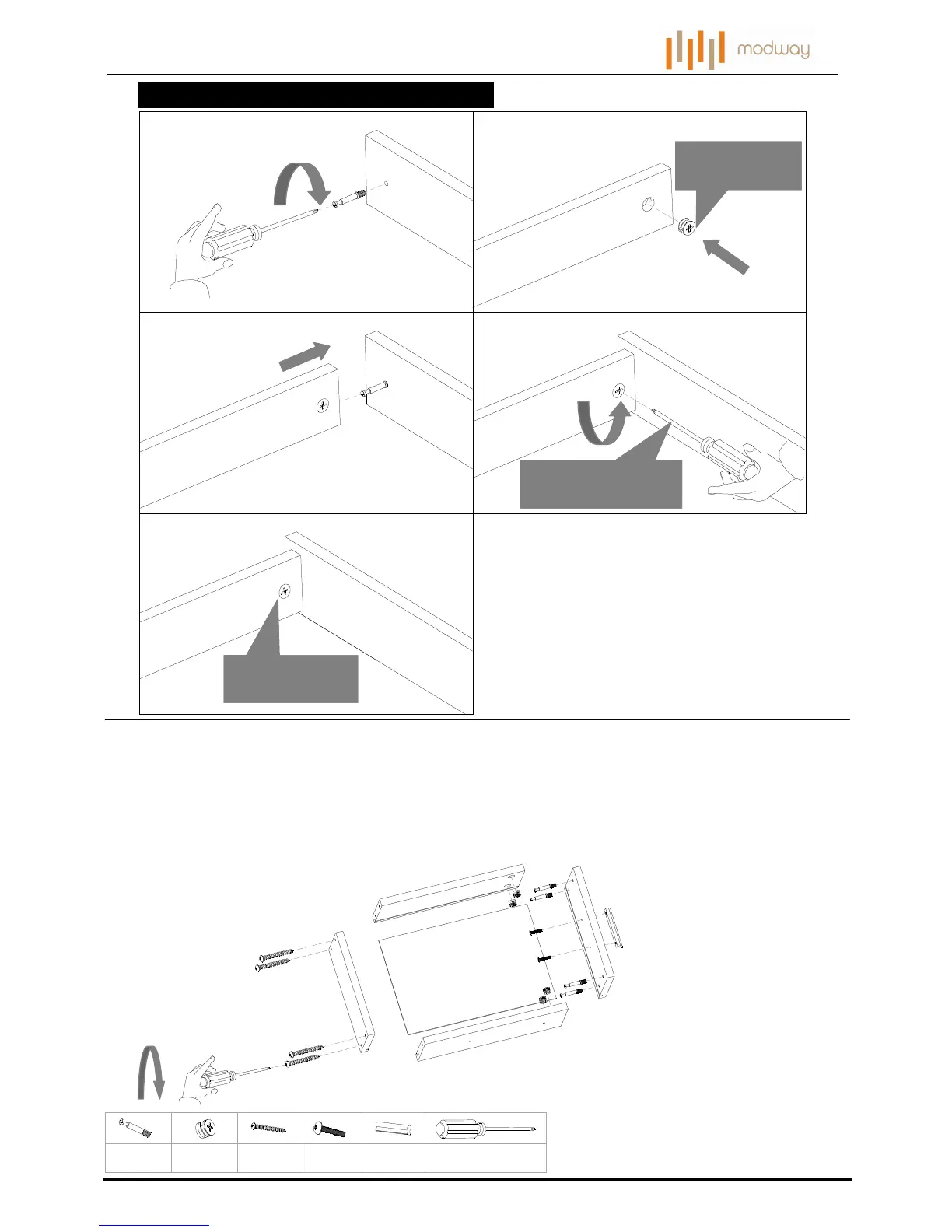
HOW TO USE CAN AND CAM POST HARDWARE
STEP 1:
1. 2.
3.
4.
Note cam arrow
direction
Note cam arrow
direction
Turn cam clockwise
1/2 turn
5.
Place 1pc Side Drawer Front (H1),1pc Side Drawer Back (H4),1pc Left Drawer Side (H2), 1pc Right Drawer Side (H3)
and 1pc Side Drawer Bottom (H5) together as shown.
Attach them by 2pcs Cam Post (a), 2pcs Cam (b), 4pcs Screw (c), tighten the Screws (c) and Cam (b)
Attach 1pc Pull (e) to the Side Drawer Front (H1) by using 2pcs Pull Screw (d).
Fully tighten Cams (b), Screws (c), Pull Screws (d) with Phillips Head Screw Driver (not included).
Repeat the same steps and hardware for the other Side Drawer.
ax4 bx4 cx8
dx4
ex2
Phillips Head Screwdriver
( not included)
Hardware & Tools required
h
H1
d
H2
H3
H4
H5
a
a
b
b
c
c
d
e


 To Next Page