4
1: Operation
1.
2.
3.
4.
5.
6.
7.
The oven must be connected to the correct power
supply, with the correct rating for the appliance. This
information should be found on the data badge on
the oven. If in doubt, speak to a qualified electrician.
Do not attempt connection to any other power
supply which diers from the data badge.
1.
2.
3.
4.
5.
6.
7.
Plug in appliance and establish power.
Switch the unit on at the isolator or main switch,
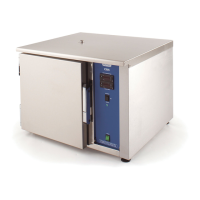
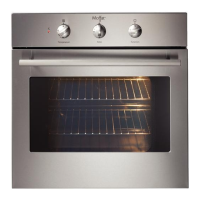
depending on the model of C.R. oven you have.
Set the time and temperature as required for your application.
See sections 1.1 and 1.2 on pages 5 and 6 for instructions on
time and temperature setting, respectively.
These ovens all have a 20 minute pre-heat cycle.
This is switched on by pressing the 3-position switch to the up
position. At the end of this time the internal buzzer will sound.
Cancel the buzzer by switching to the middle position.
Load the oven with the food as required. Switch on the cook
cycle by pressing the 3-position switch to the bottom position.
The countdown timer will start and the cook cycle will begin.
At the end of the cook time, the internal buzzer will sound.
This is cancelled by pressing the switch to the middle position.
The food is now ready for testing and service.



 To Next Page