User Manual v1.5
Page 19 of 64
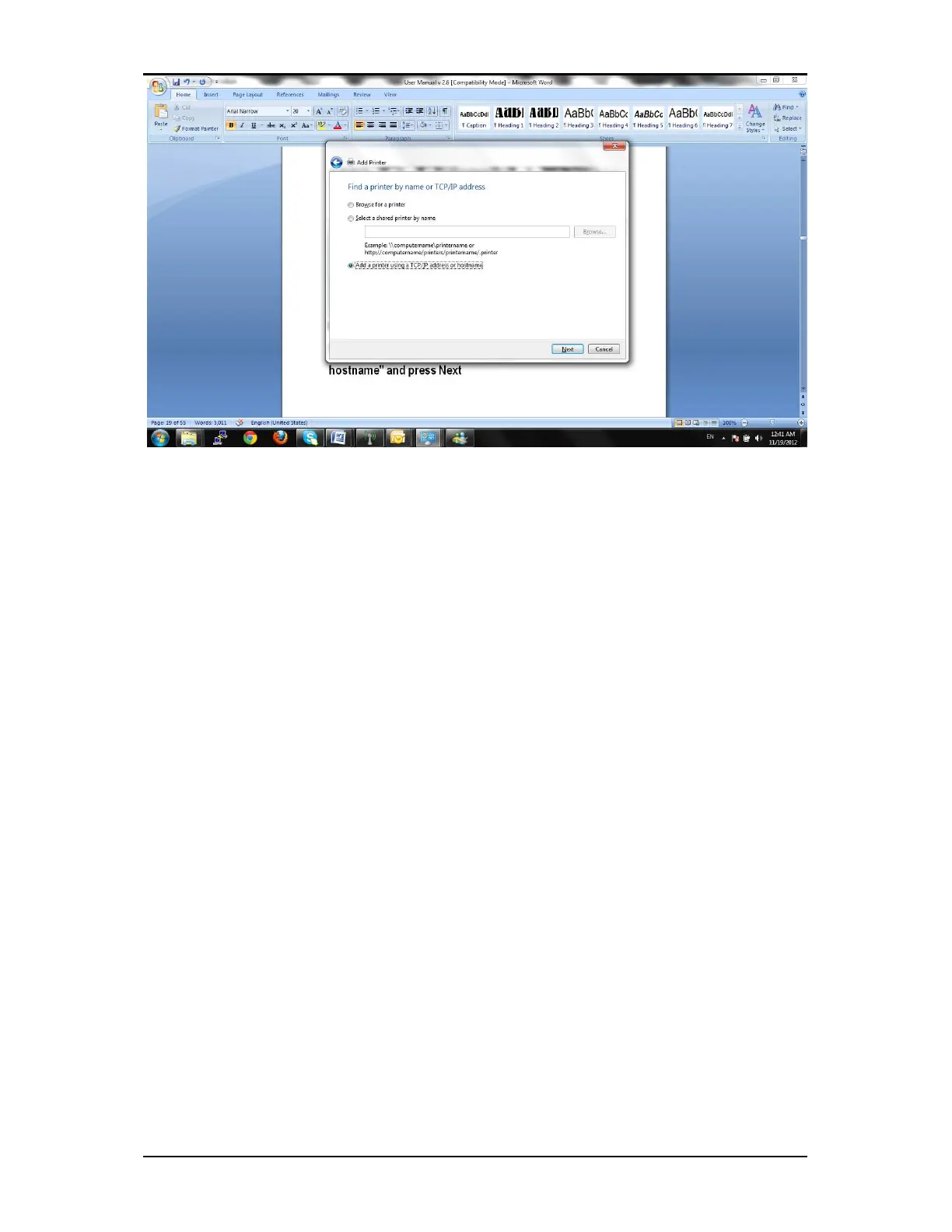
For Device type: Select TCP/IP Device
Enter Hostname or IP address: 192.168.10.1
The Port Name should auto file with same: 192.168.10.1
You can leave the check box "Query the printer and automatically select the driver to use" and then go Next
Windows should detect the settings
Select Custom Settings and leave everything as default:


 To Next Page
 Loading...