Adjust volumeTransfer
■
Adjust the volume on call : You can adjust the
voice volume on the phone call as press [Volume] button.
Voice volume can be adjusted 8 steps.
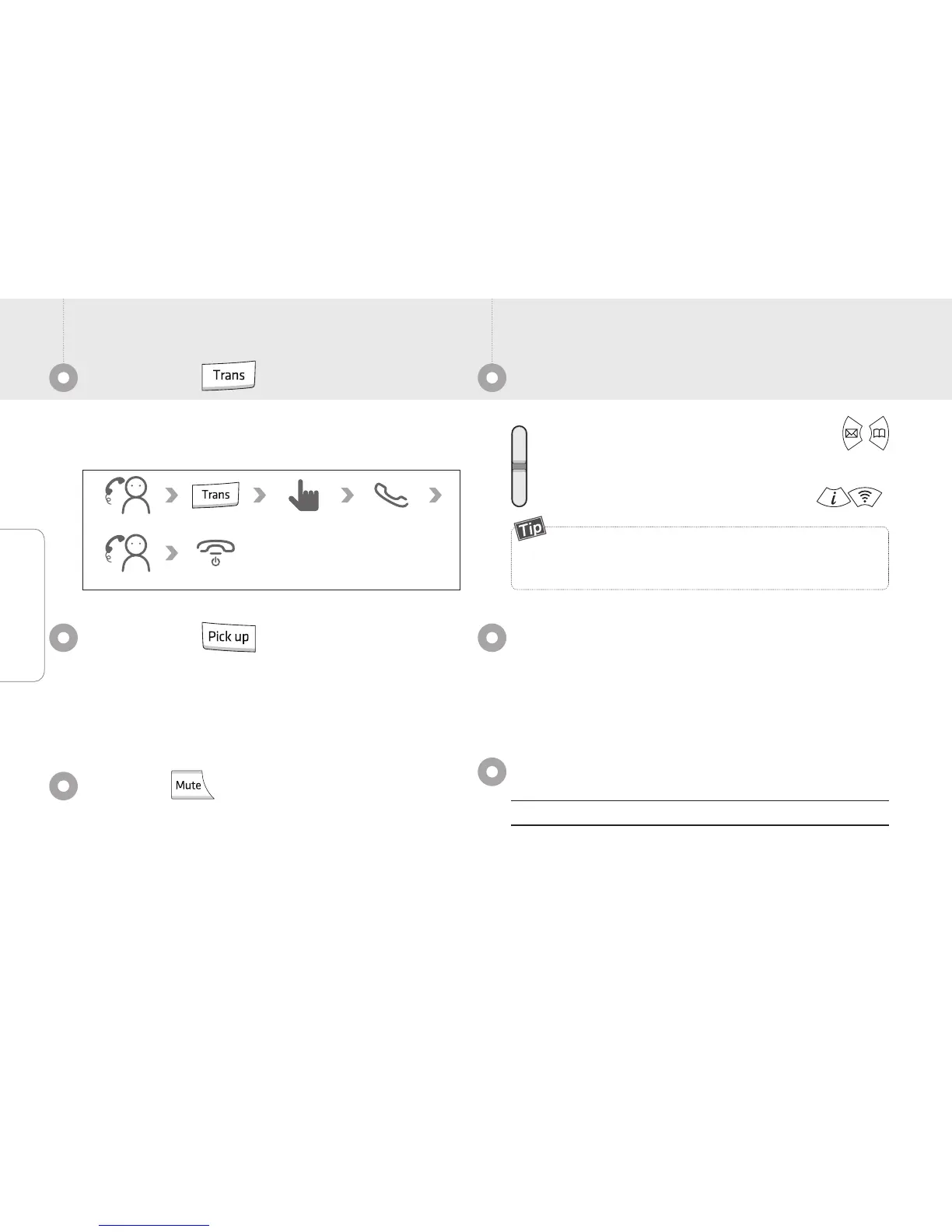
You can transfer the call to other number or another
phone in the same group.
Allow you to find and change ringtones easily. Select the
bell on the Real bell 10 kinds or Media bell 10 kinds.
[Menu]
→
6.Select sound
→
1. Bell setting
Ring type
Phone Book
Search the contacts
You can make a call by a list of all numbers, name, phone
number, group contact after selecting of number make a
call to press [call].
New call
On the call Input the number
On the waiting mode, Press [Volume] and click the
button, You can adjust the button volume, bell, call, power
on/off, alarm, message sound. Allow to adjust volume for
8 steps when you press the [Volume] button or .
The function allows you to answer another ringing phone
in the network.
You need contact the manager.
This function requires pickup code and group.
Pick up
Press [Mute] button during an ongoing call to mute your
voice.
Mute



 To Next Page