19
- Make sure the other adapter is connected.
- Please use the dedicated adapter provided with a phone.
- Please make sure you clean the charging contacts on the charging cradle.
Loose foreign material or moisture in the contacts with a soft, dry cloth, wipe Charge does not
even cleaned Please contact the customer center for purchasing a new battery.
4. The phone does
not charge.
The battery must be charged enough. Please charge the phone on the cradle to make sure positioned
correctly. Enough battery charge after the power button is pressed, the phone do not work,
remove the battery and then insert it again.
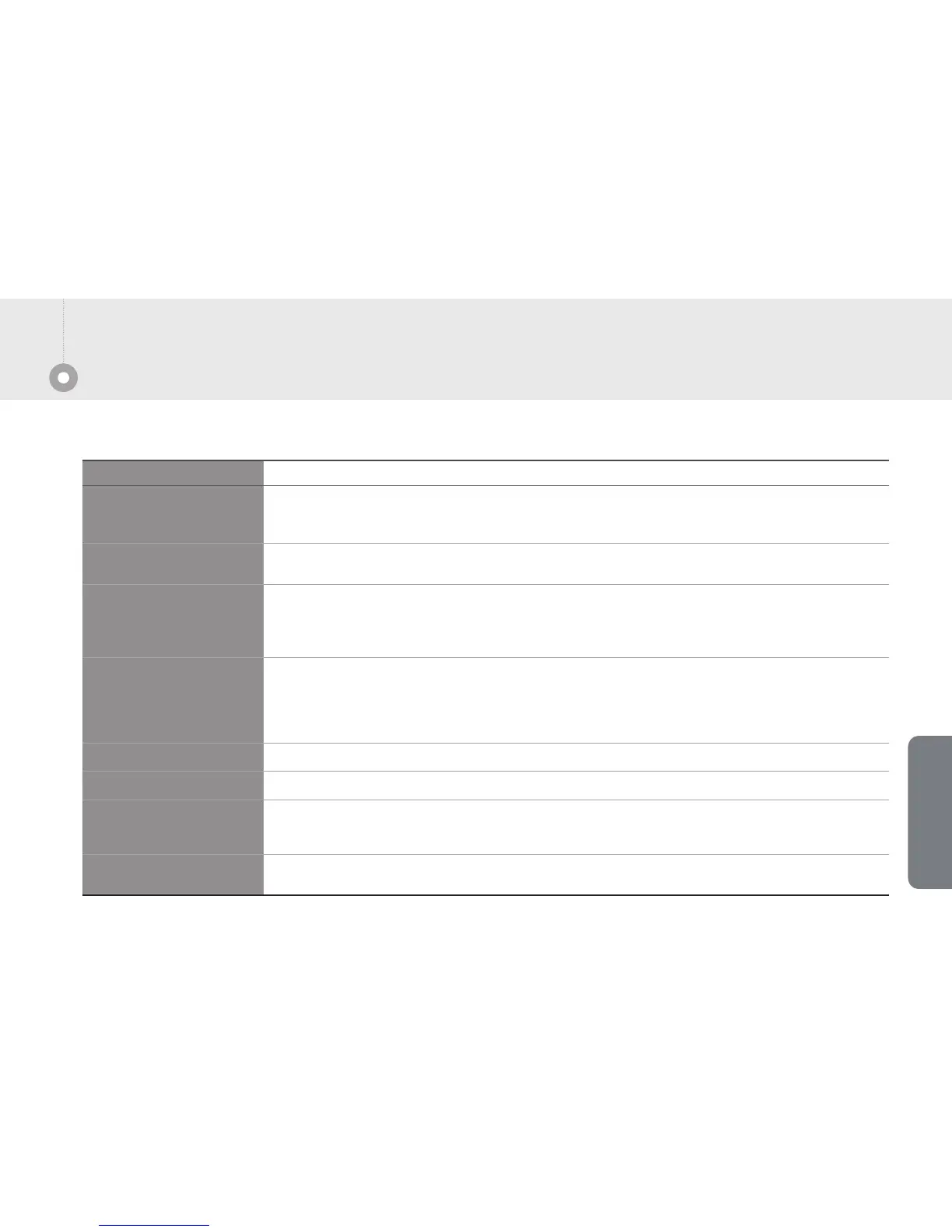
1. The phone does not work.
Symptoms How to solve
Enough battery charge after the power button is pressed, the phone do not work, remove the battery
and then insert it again
2. Not registration.
[Menu] + [6.Sound] + [3.Adjust volume] buttons to adjust ringtone volume.5. Ringtone is too quiet.
[Menu] +[7.Display] + [3.Brightness] buttons to adjust brightness of the screen.6. Screen is too dark.
Make sure to join the service.
Please contact us.
7. Text message service /
Caller Information does
not display.
Battery is a consumable item and use time gradually decreases.
8. Battery usage time
(waiting time) was shorter.
- Check the distance AP device between the call locations is too far away.
- Check a lot of obstacles, such as walls, or a severe local electromagnetic interference region.
- Short distance calls location even in bad condition, please turned off the power and then turns it on again.
If you feel small volume, call volume using the volume control on the side of the volume keys in moderation.
3. Phone call status is
too bad.
Solution for simple issues
/
Following issues may occur although the phone is working correctly.
Supplement
Trouble shooting


 To Next Page