MX123 Connection System User Manual - AS-34566-001 46
Section 5: Service Instructions
G. Yazaki 2.80mm Receptacle Terminal Removal (continued)
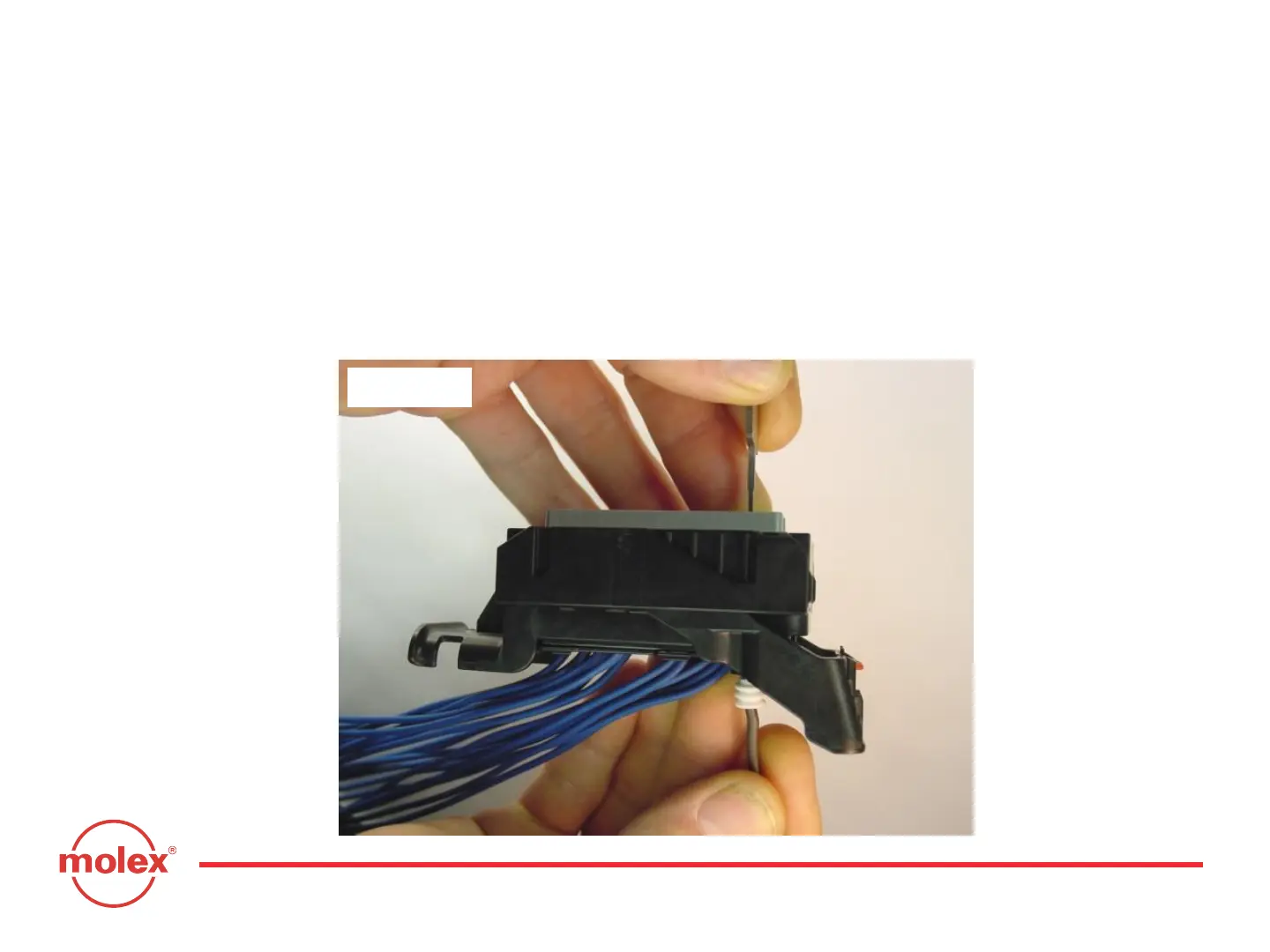
Once the terminal lock finger is disengaged, pull on the wire (Fig. 5-22) to
remove the terminal. If the terminal resists, the service tool may not be fully
engaged. Push the service tool further into the service hole to ensure that it
has disengaged the terminal lock finger.
Fig. 5-22



 To Next Page