4.3.2. Run Program Interface
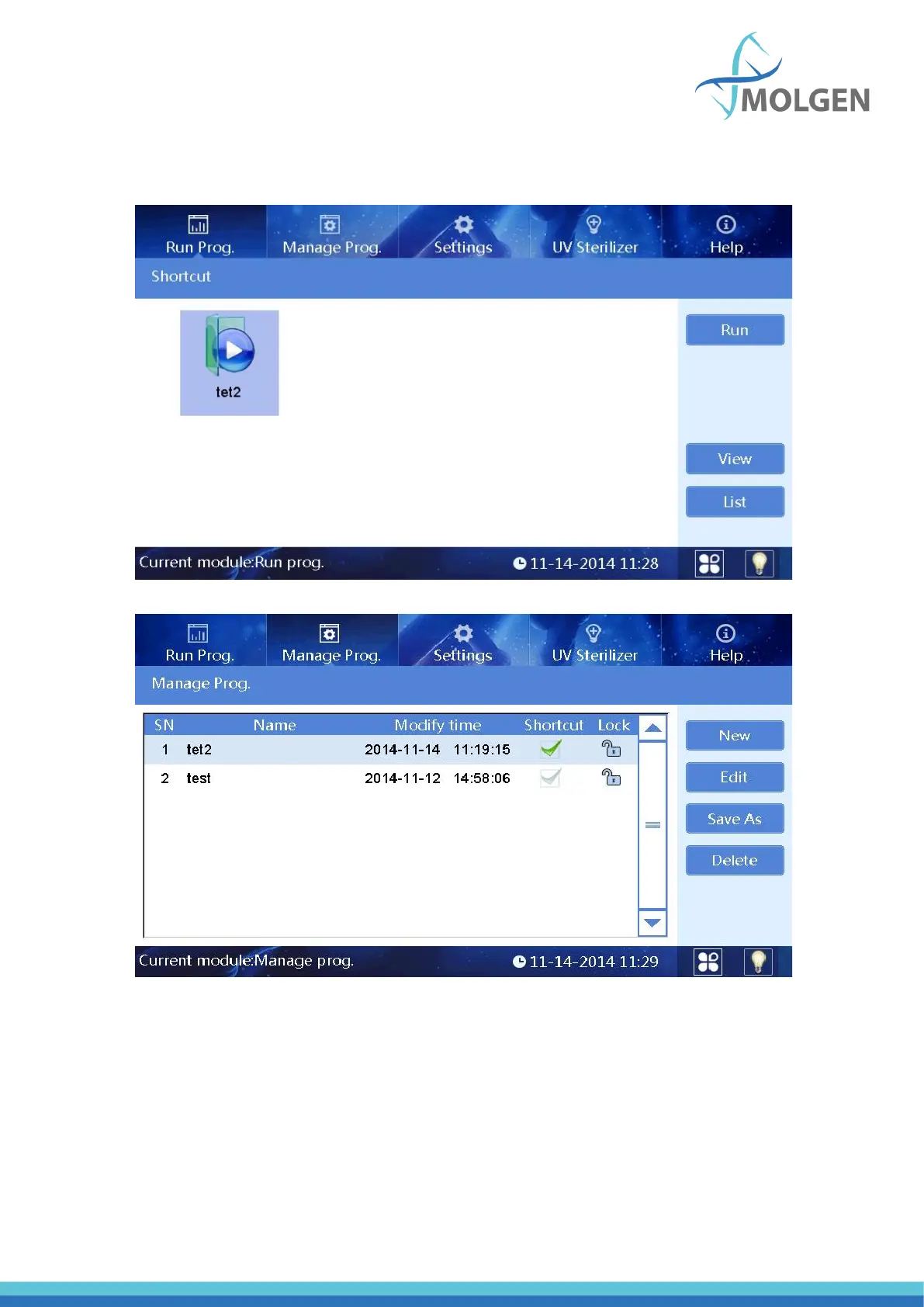
This interface including two modes: “shortcut mode” and “list mode”, as shown in below Fig 9 and Fig
10.
Fig 9
Fig 10
In the “List mode” interface, if a program is selected/activated in “Shortcut” column, the icon of the
program can be displayed on shortcut interface. A maximum of eight programs can be activated as
shortcut at the same time.
“SN”, “Name”, “Modify time” and “Lock” are non-editable options.



 To Next Page