4.3. Detailed Operations
4.3.1. Start-up Interface
Make sure the front door and the plastic side door are closed beforehand, and turn on the machine
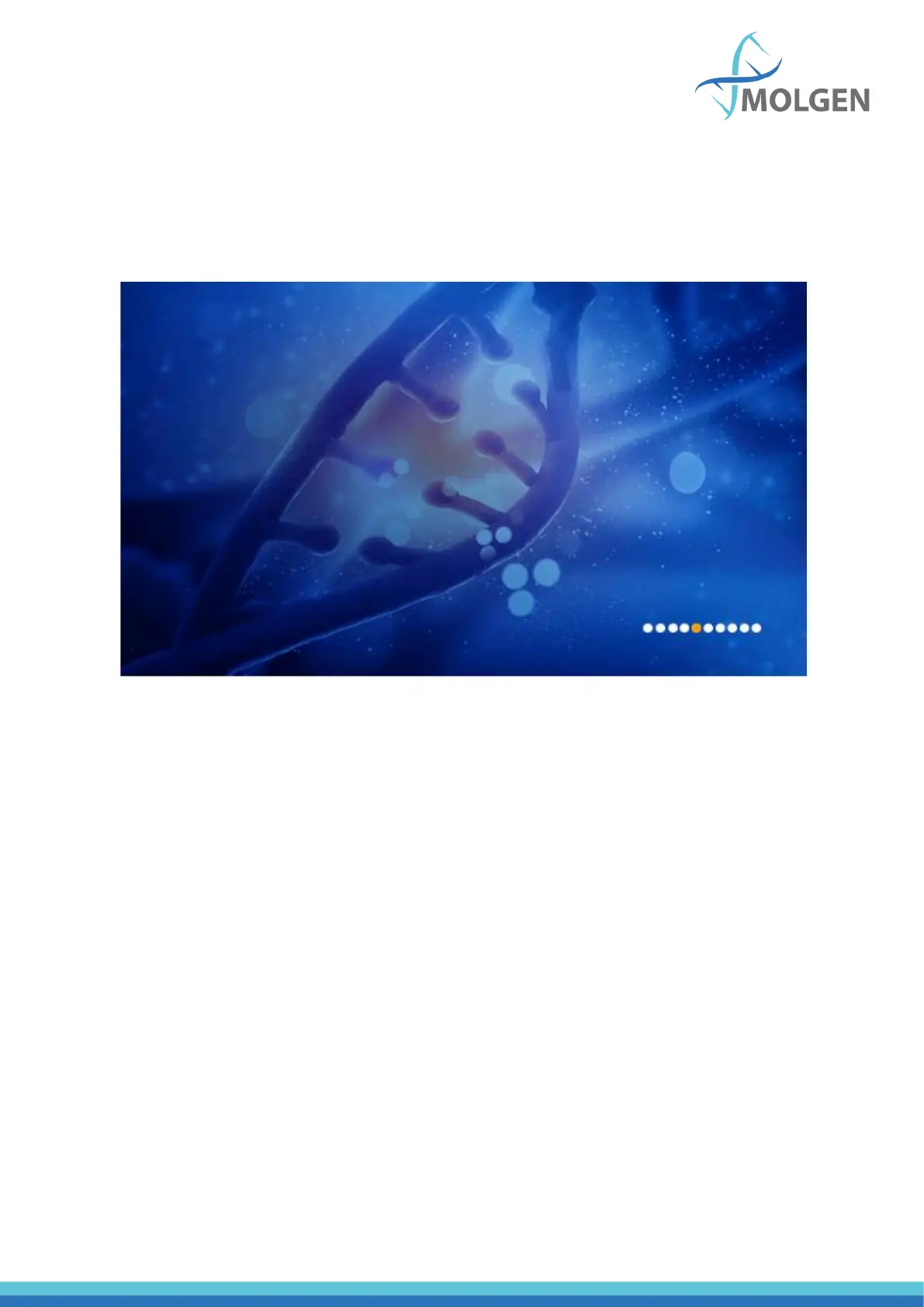
using the power button on the back of the machine. On the display screen, the start-up interface will
show up (see figure 8).
Fig 8
After some time loading, it will enter into “Run Prog.” interface.



 To Next Page