4.3.3. Run Interface
In “List mode” or “Shortcut” mode, select the required program and click “Run” to enter the run
interface.
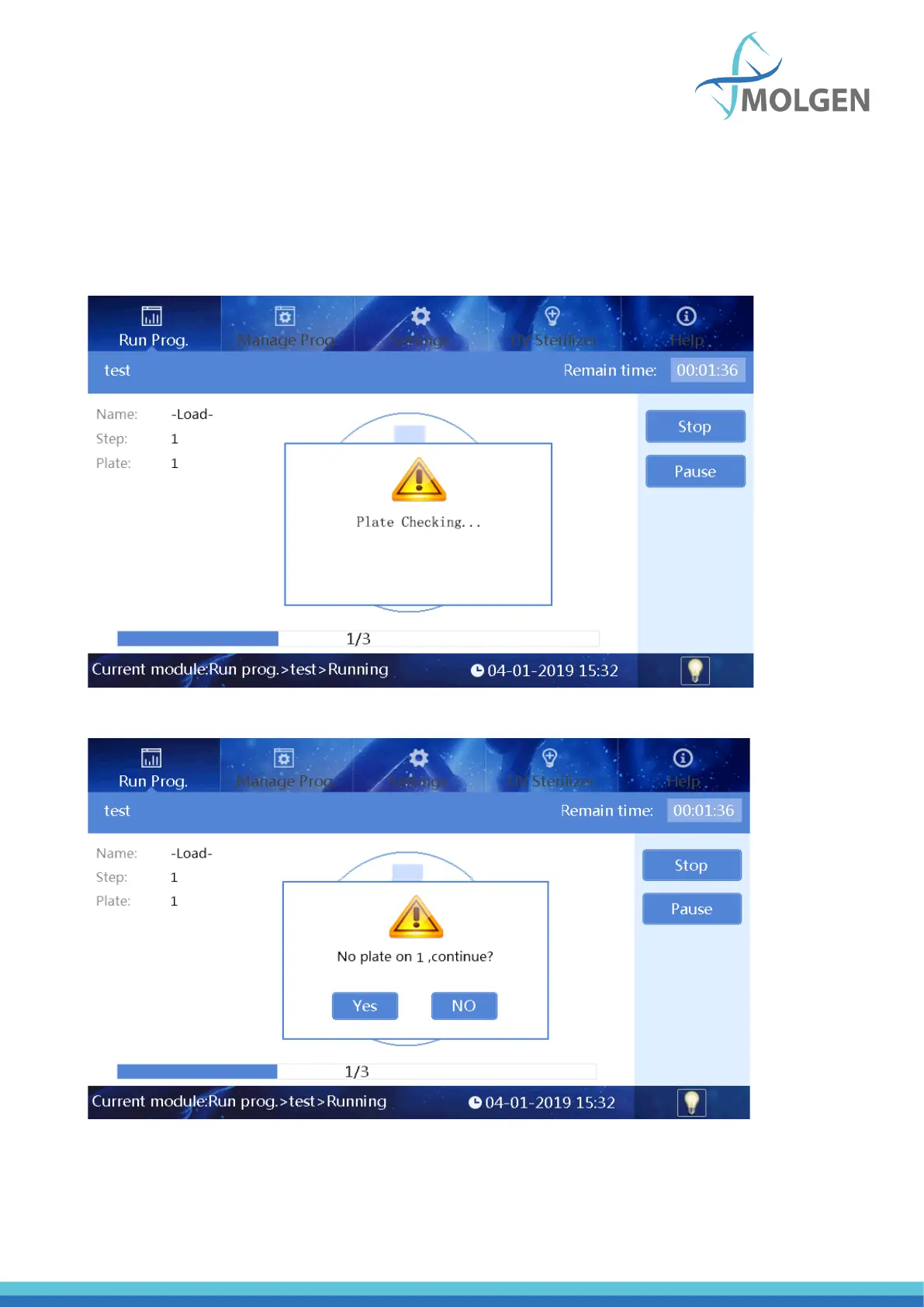
When starting a run, the instrument will first detect whether there is are plates on the rotary table. If
no plate is found, the program will prompt to confirm whether the following steps can be continued,
as shown in the figures 11 and 12 below.
Fig 11
Fig 12



 To Next Page