Rev E 24/09/2013 BM06101 Molift MOVER 300 English Page 7 of 20
Checklist before use
1. Check that the lifter has no apparent damage
or other faults.
2. Ensure that the lifting arm and lifting column
are properly xed and that there are no loose
parts on the lifter.
3. Check that the emergency button is deactivat-
ed and that the lifter works.
4. Check that you have suciently charged bat-
teries to complete the task you have planned
(no lights on the battery lamps).
5. Check that the service lamp gives a green light
indicating it is ready for use. If the service lamp
gives a yellow or red light, the lifter needs serv-
ice.
6. If faults or irregularities are discovered, the lift-
er should be taken out of service. Contact your
service partner or local Molift representative.
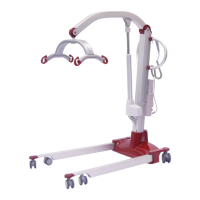
Molift Mover 300 - use
The Molift Mover 300 hand control has four but-
tons, two buttons for up and down, and two but-
tons for adjusting the adjustable legs in and out.
In addition there is a LED battery lamp which illu-
minates when the battery needs charging.
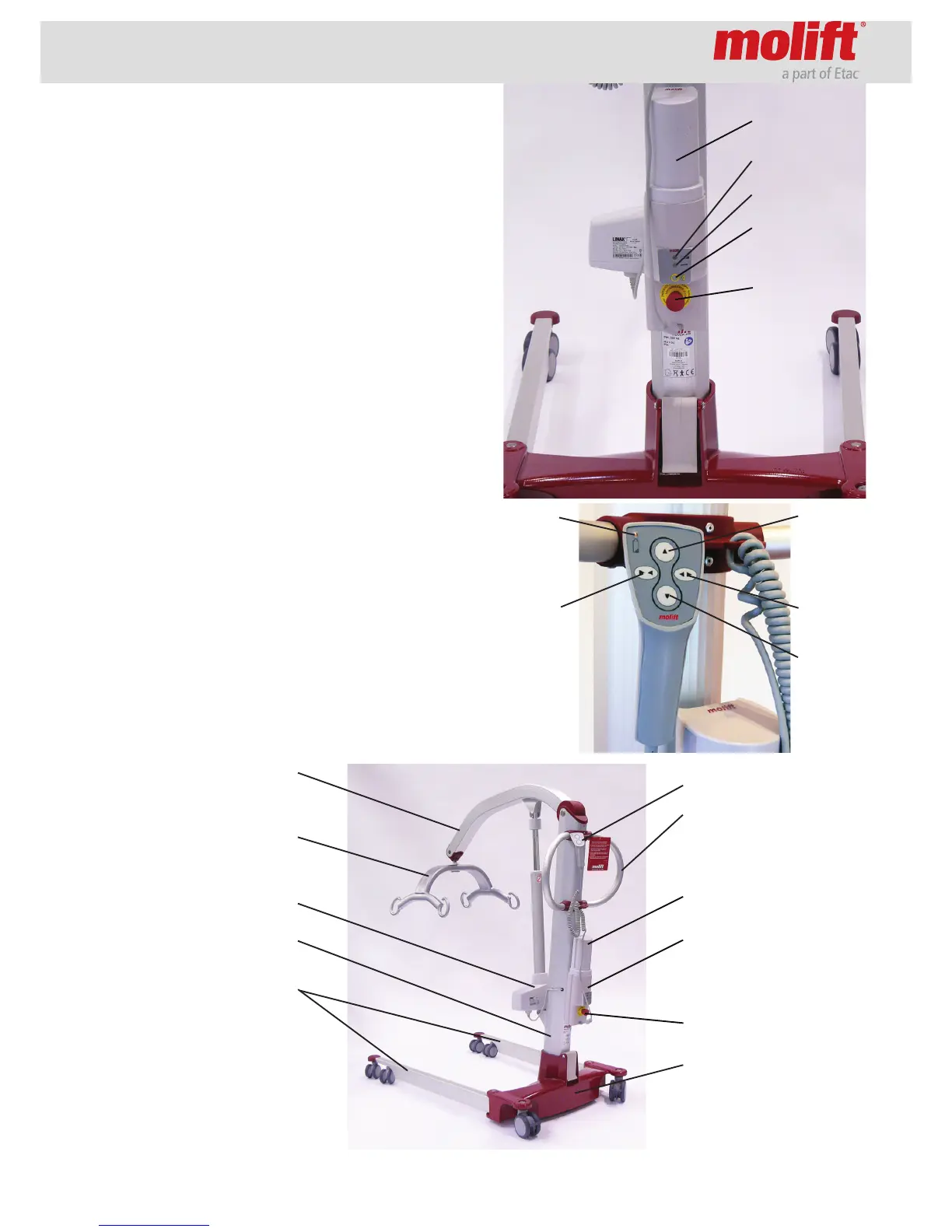
Emergency
stop
Electrical
emergency
lowering
Battery
Battery
lamp
Up
Down
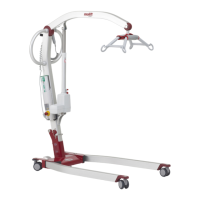
Service lamp
Battery lamp
Hand control
Suspension
Drive handle
Chassis
Battery
FRONT
(direction of driving)
Lifting arm
Battery holder incl.
control electronics
and electrical emer-
gency lowering
Emergency stop
Motor/actuator
Lifting column
Legs
BACK
Legs outLegs in


 To Next Page