Connection to an external unit e.g. ECG device
First check the brake belt tension. If the belt is too
tight loosen it a little by moving the force indicator to
about 4 kp and hold it there for a few seconds. Then
the force-adjusting servo will loosen the belt tension.
To be sure that indicator positions are correct, do a
calibration. See ”Electronic calibration”.
Press the switch (2) to turn off the power, see 1.
Fig: Connections. Disconnect the cable from any
connected external device.
Adjust the scale mechanically so that 0-index on 2.
the scale and indicator are in line.
Move the indicator to 6 kp and hold it there.3.
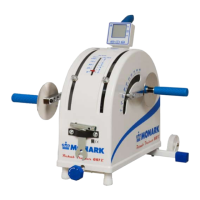
Turn on the power again. (The green LED on the 4.
lower left side of the bike is lit up when there is
power to the bike, see Fig: LED.)
Hold the indicator at 6 kp until two beeps are 5.
heard.
Move the pendulum pointer to 6.
0 = mode for use with PC or hand unit.
1 = mode for Siemens Megacart ECG
2 = mode for other ECG devices, alt 1.
3 = mode for other ECG devices, alt 2.
7. Keep at the selected position until two signals can
be heard. Then release the pointer to 0. The system
will now restart in the selected mode.
8. Reconnect the proper cable between the external
device (ECG Siemens Megacart requires a special
cable) and the bike.
9. The bike is now controlled digitally from the
external device.
These settings can also be done using the PC or the
terminal. Follow the instructions described in the
respective manuals.
Reset the Ergometer to use with terminal/PC.
Follow the points 1 – 7. At point 7 press 0 and then
ENTER. The Ergometer can now be controlled again
from the terminal or an external PC.
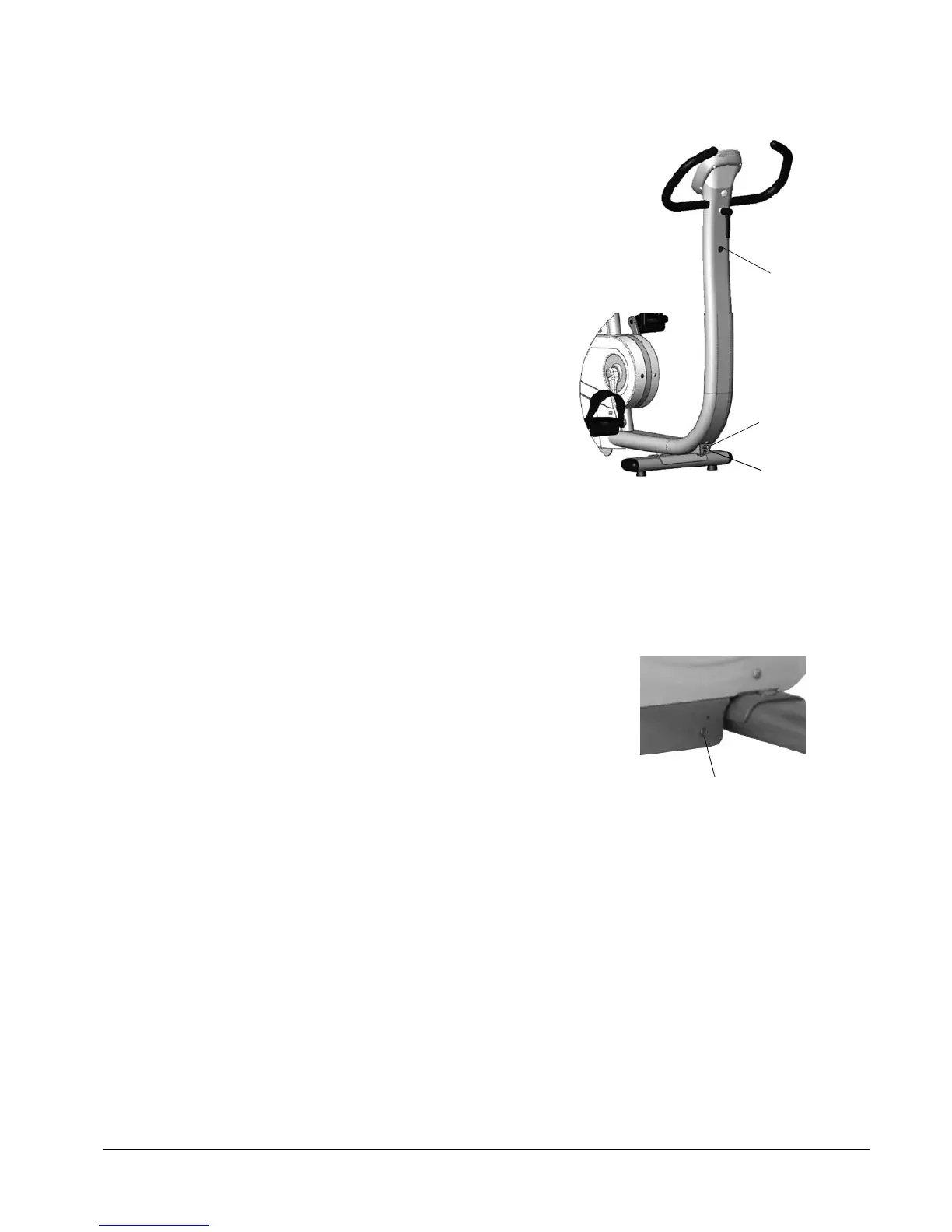
Fig: Connections
1) Power input
2) Serial port connection, external unit
3) Switch (on/off)
Alt. 1: ECG, Ergoline compatible
command set, requested load value.
Alt. 2: ECG, Ergoline compatible
command set, current load value.
Fig: LED (1)
(Left side in front of
rear support tube.)


 To Next Page