Moneris® Go Plus: Setting up Your Terminal 4
Charge the battery
Charge the terminal’s internal battery for 3 hours using one of the following methods:
Use the charging cable
Use the optional charging base (if you have it)
Use the optional communication base (available if purchased)
Recommendations: You must use the exact power adaptor and cables provided by Moneris to work with the
Moneris Go Plus terminal and base. Failure to do so may affect the operability of, or cause damage to, the
equipment. Always plug the charging cable into the power source last to avoid power surges. Use a power bar
equipped with surge protection where possible.
Use the charging cable
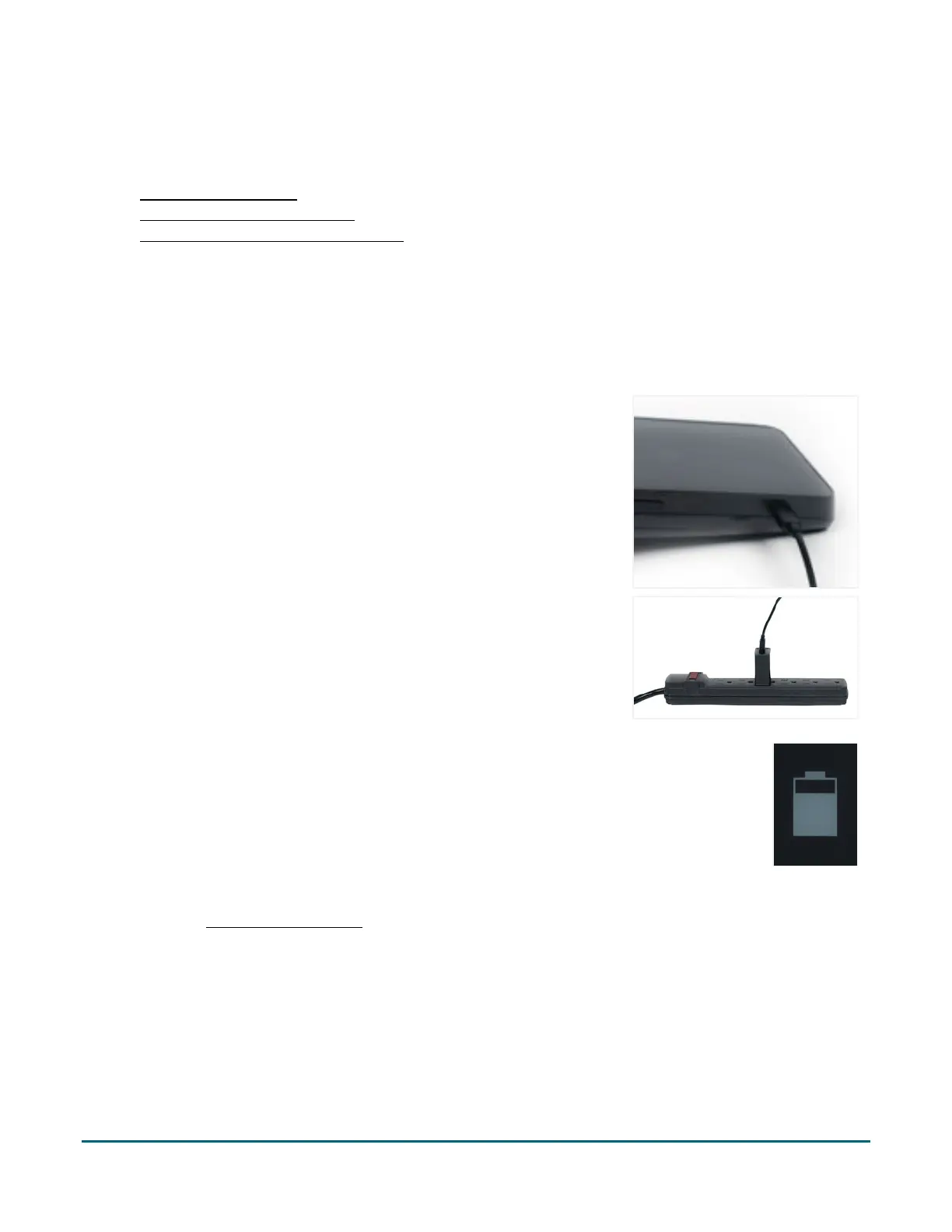
1. Un-fold the charging cable and insert the micro-USB connector into
the USB port on the left side of the terminal.
2. Make sure the AC adaptor is connected to the other end of the
charging cable. Plug the AC adaptor into a working electrical outlet.
Note: Use a power bar to avoid electrical surges.
3. The terminal displays the charging screen.
a. Wait for the battery charging icon to display. This indicates that
the terminal is receiving power and the battery is charging.
b. Continue charging the terminal during the rest of the setup
procedures.
4. Continue to Power on the terminal.



 To Next Page