Moneris® Go Plus: Setting up Your Terminal 8
How to pair the communication base with the terminal
Now that the base is connected to your network infrastructure, you need to connect the terminal to the base.
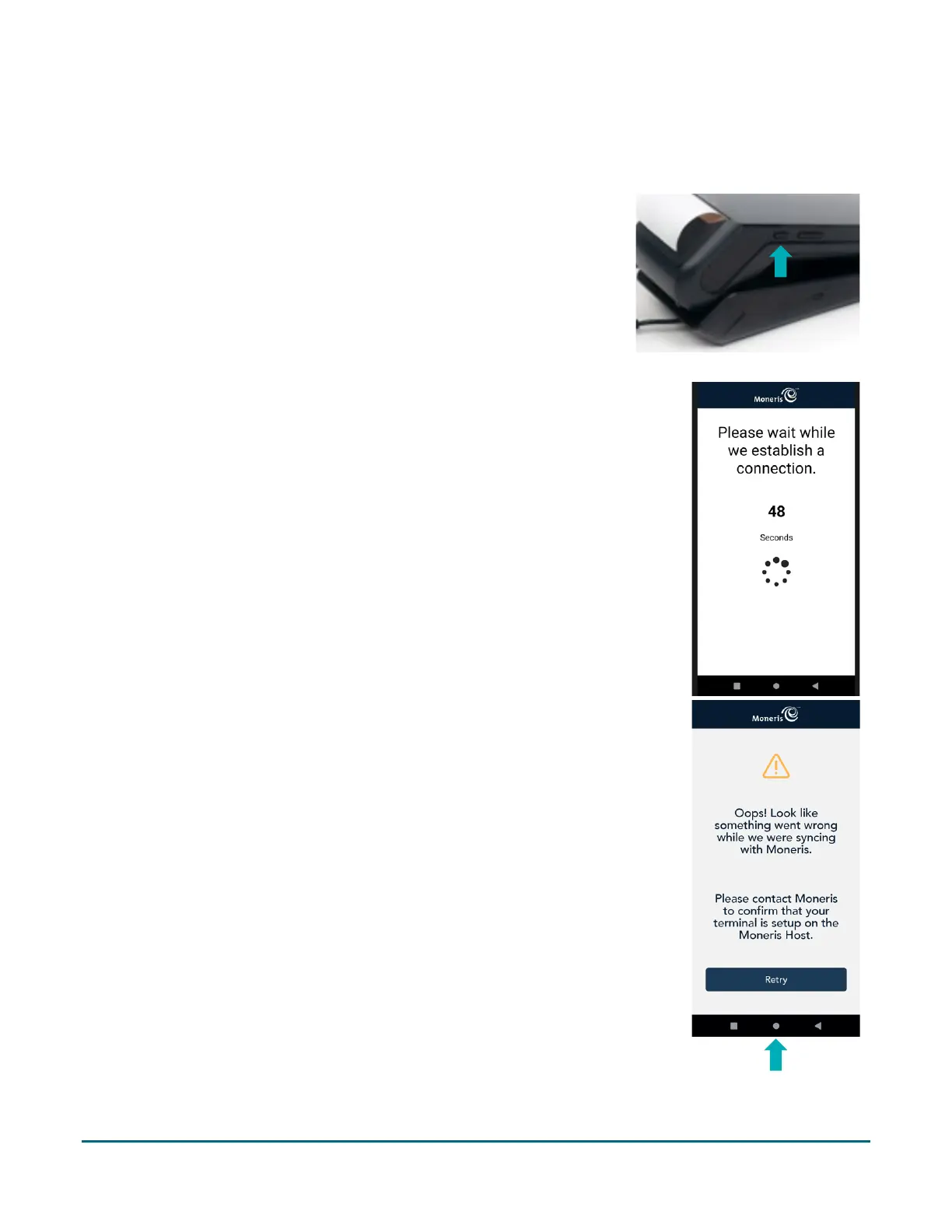
1. Locate the power button on the left side of terminal. Press and
hold the power button on the terminal for 3 seconds or until the
terminal screen turns on.
The terminal will continue to charge while on the base.
Note: Red light on the left side of the power button indicates
the terminal is available for pairing.
2. The terminal powers on and the 60 second count down appears.
Wait while the terminal attempts to establish a connection to
Moneris.
3. The “Oops!” message may appear.
Note: Message appears because there is no established
connection.
a. Ignore this message.
b. Tap on the white circle in the navigation bar at the bottom to
go to the terminal home screen.



 To Next Page