46 MR6550
User Manual
ENGLISH
System check list
If the product stops working with error codes displayed, you can resume operation by pressing
the [POWER] button.
If the problem persists even after the following steps are taken, contact our customer service
center.
The audio announcement for faulty situations will be played only one time.
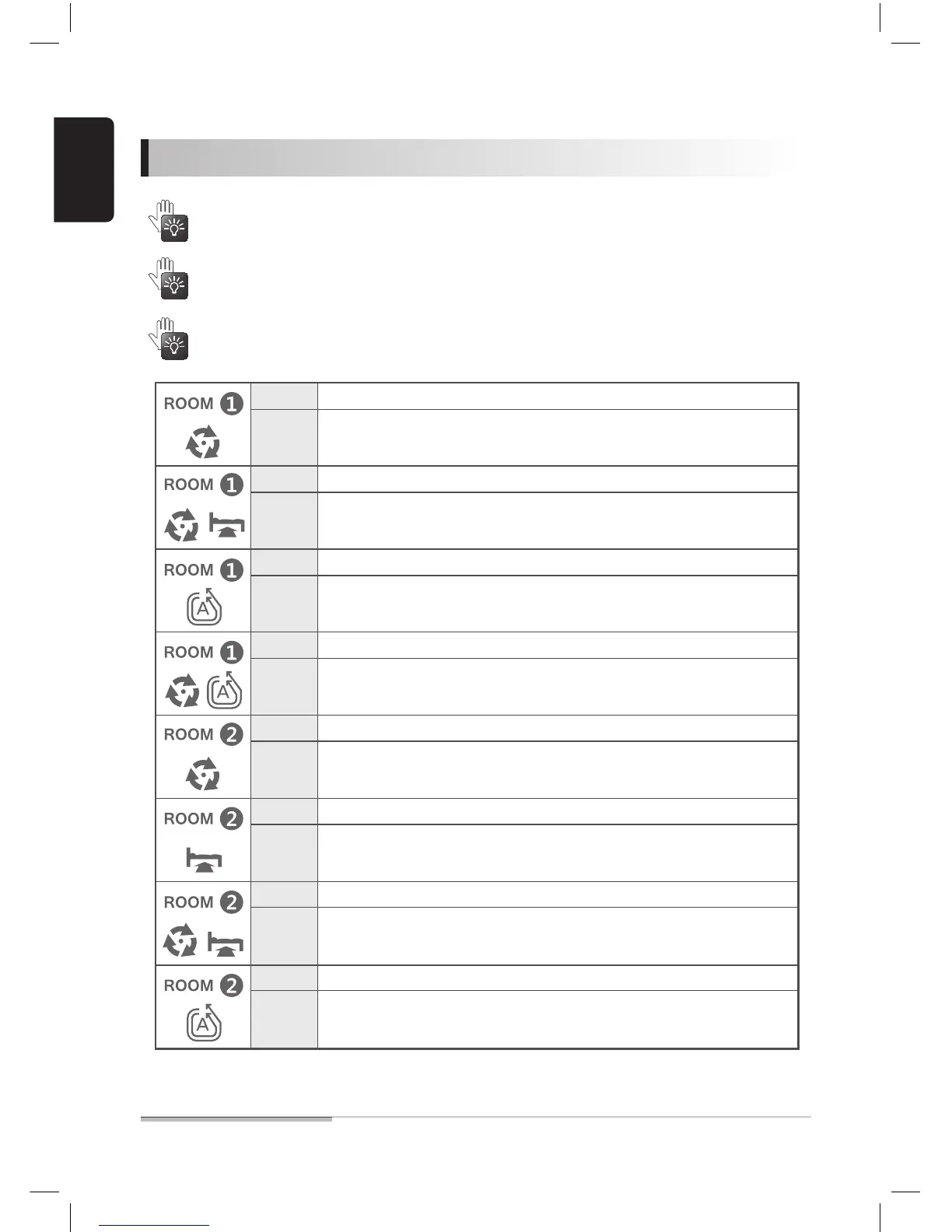
Cause The battery is discharged and the robot cleaner cannot work.
Manually charge the robot cleaner.
Action
Cause Either one or both wheels are overloaded.
Relocate the robot cleaner.
Remove foreign substances from wheels.
Action
Cause The air intake pan is overloaded.
Remove foreign substances from the dust intake and empty the dust box.
Action
Cause The main brush is overloaded.
Remove foreign substances (hair, etc) from the main brush.
Action
Cause The robot cleaner is charged without the battery.
Check if the battery is installed.
Action
Cause Battery failure
Please contact our service center.
Action
Cause Attempt to run the robot cleaner without the dust box.
Install the dust box.
Action
Cause Both wheels are lifted.
Place the robot cleaner on the floor or lift it to another site.
Action


 To Next Page