34 MR6550
User Manual
ENGLISH
02. Press [DISTANCE] and then adjust the distance of the cleaning area setting signal.
03. Calculate the signal distance to arrange the indicator in the appropriate position.
Repeat the pressing of the button until the distance of signals to set cleaning areas is set at the desired
level. 1m(●) - 3m(●●) - 5m(●●●)
If the distance is set as too short or too long, the robot cleaner may not properly understand the area.
If the signal does not reach the wall, the robot cleaner may slip through the crack and clean outside
the desired area.
01. Press [MODE] on the indicator to change the mode to [CLEAN AREA].
When the lamp gets turned on, repeatedly press the button until the [CLEAN AREA] lamp is turned
on.
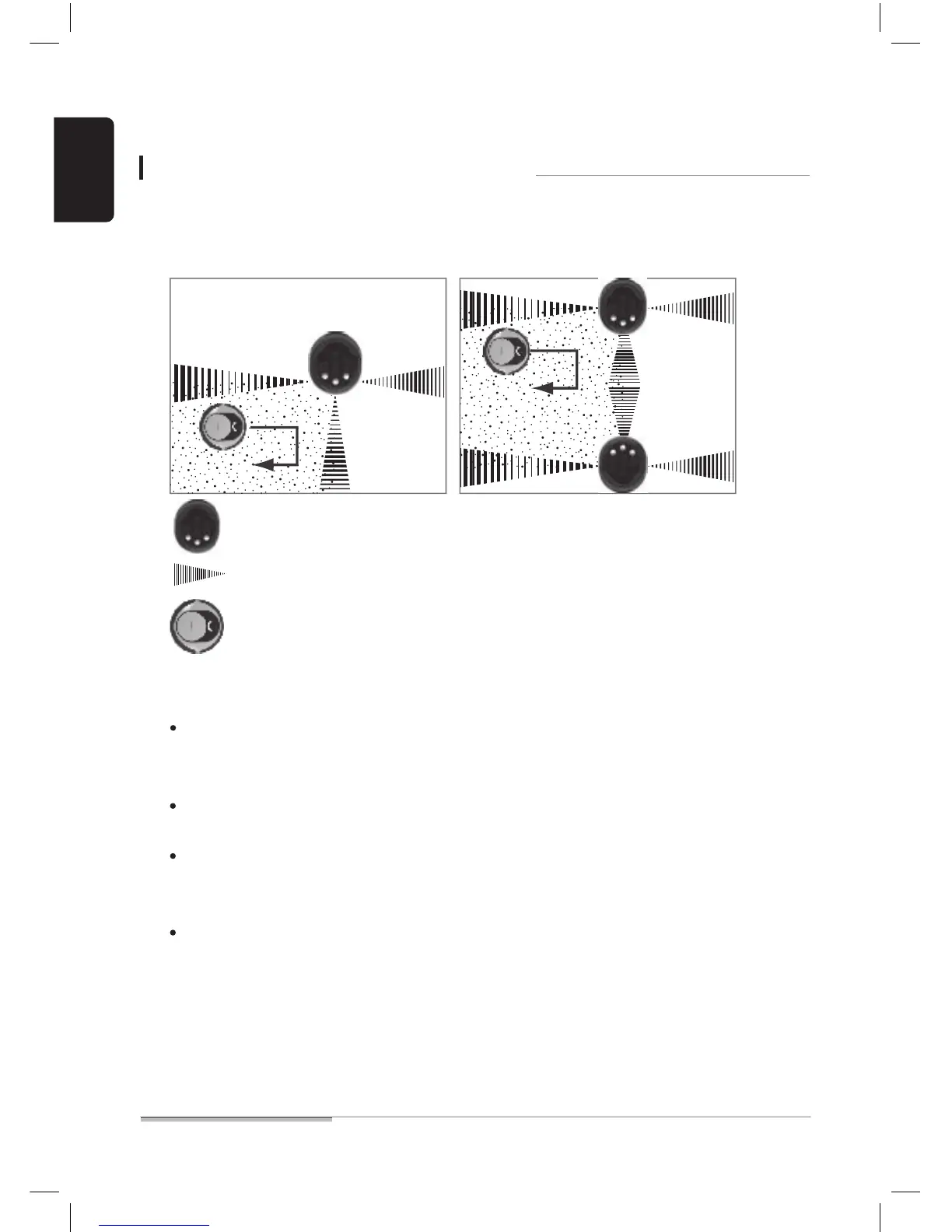
■ You can make the robot cleaner work only within a specified space (gray area in the figure).
■ In addition to the example below, you can make other spaces in various forms.
■ Indicator signals are transmitted into three front/right/left directions.
Using thorough setup of cleaning areas
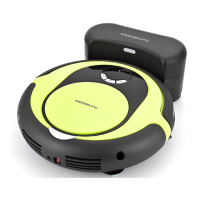
Indicator
Transmission signal (up to 5m)
Robot cleaner


 To Next Page