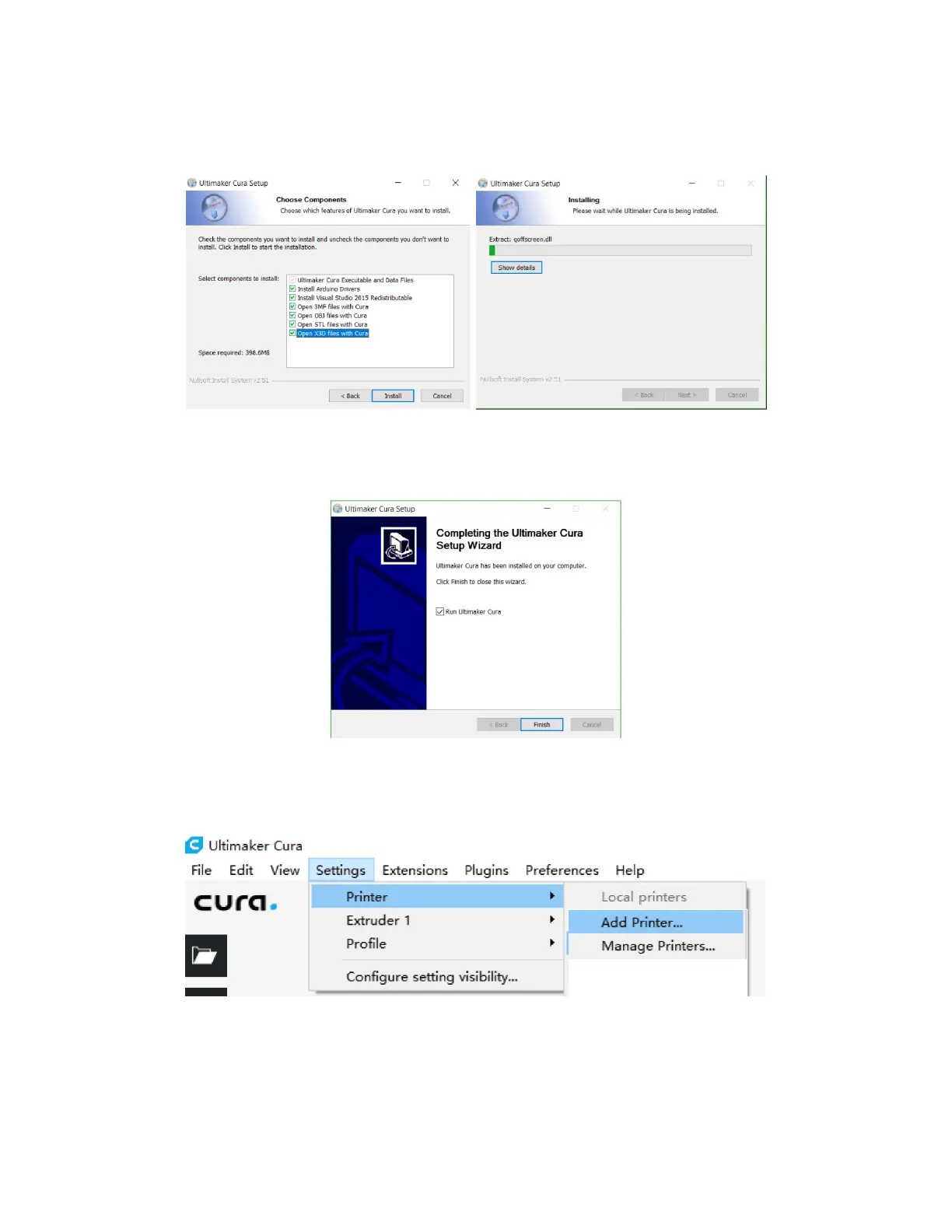
15
4. Ensure that all boxes are checked, then click Install to continue.
5. Click Finish to complete the installation and launch the Cura program.
6. Click Printer > Printer > Add Printer...
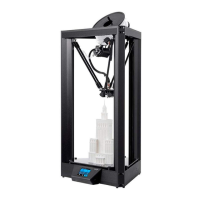
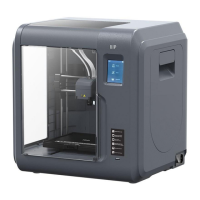
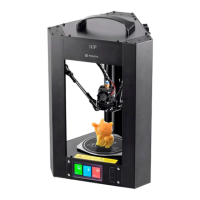
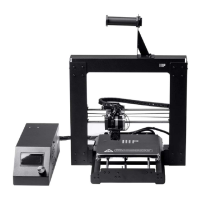
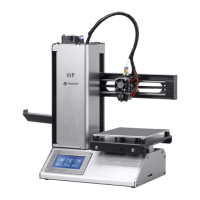
7. Click the Other option, then choose the Monoprice Select Mini V2 (E3D) entry. Click
the Add Printer button to continue.


 To Next Page