11
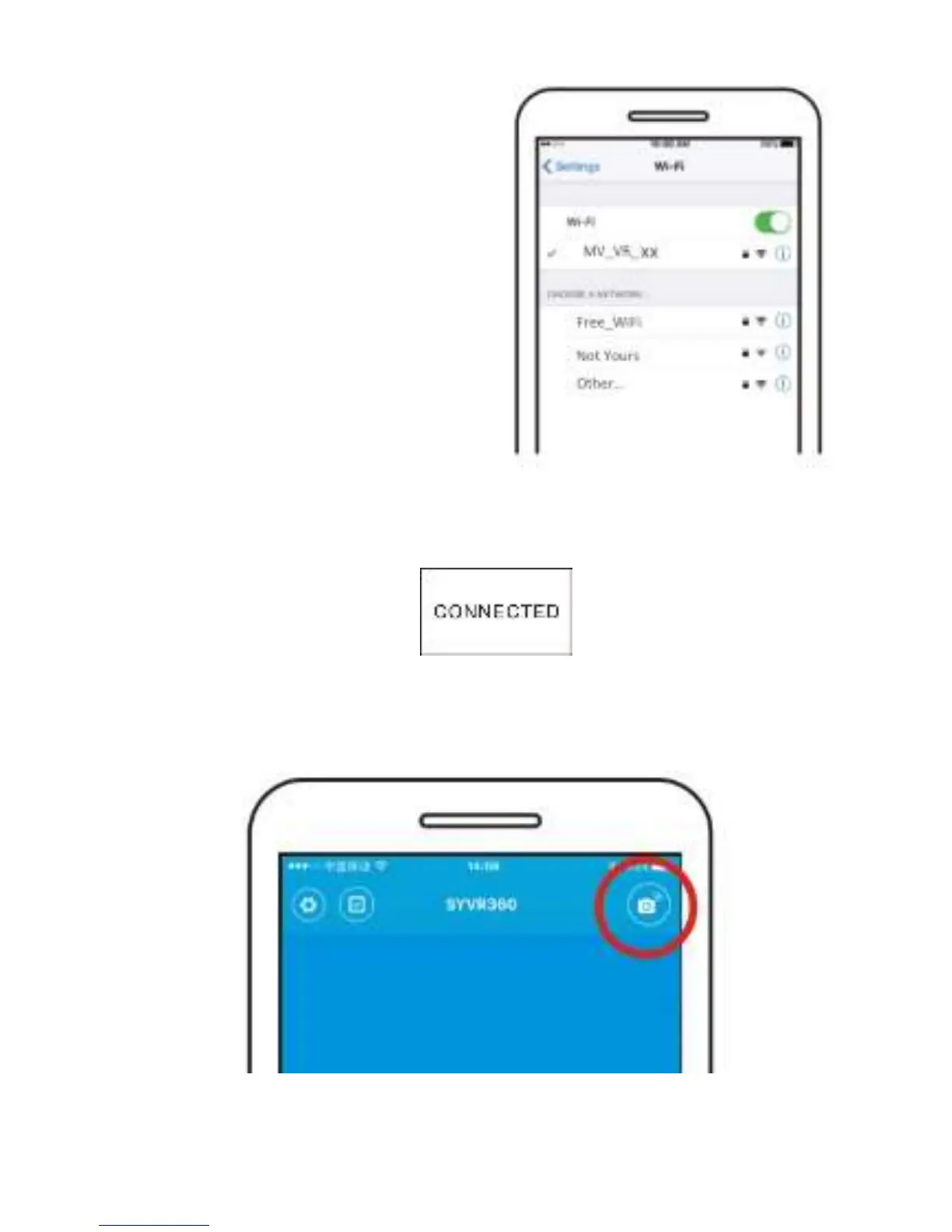
STEP 2 – Go into the phone’s WiFi
settings and select the camera’s
signal.
Password 12345678
You can change the password in
the app setting. Tap on the gear
icon in the lower right corner as
show on the next page.
When connected, the camera will display “CONNECTED”.
STEP 3 – Open the App
Tap the upper right corner to “Search for Camera”.


 To Next Page