15
COMPUTER PLAYBACK
First - Download and install the “Monster Vision VR Viewer”.
https://monsterdigital.com/pages/applications
Note: If you are on a Mac you may need to enter SYSTEM
PREFERENCES, SECURITY & PRIVACY to allow the app to open.
Next – Open the viewer, then load a video or photo.
The memory card can be connected to the computer several
different ways.
- USB cable from the camera to computer
“MSDC” will appear on the camera screen
- USB card reader
- SD card adapter
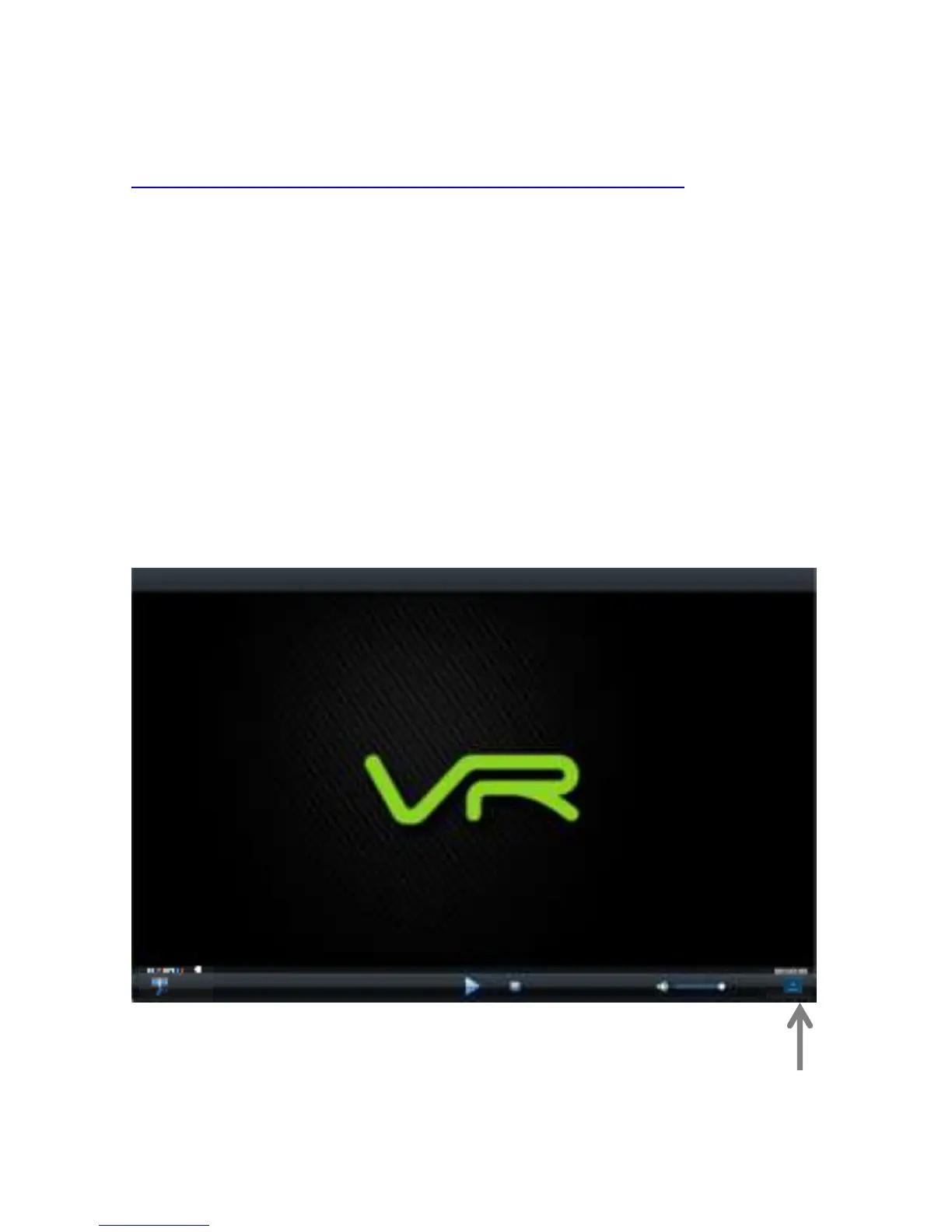
Click the icon in the lower right corner to choose a file.


 To Next Page