8
SETTINGS
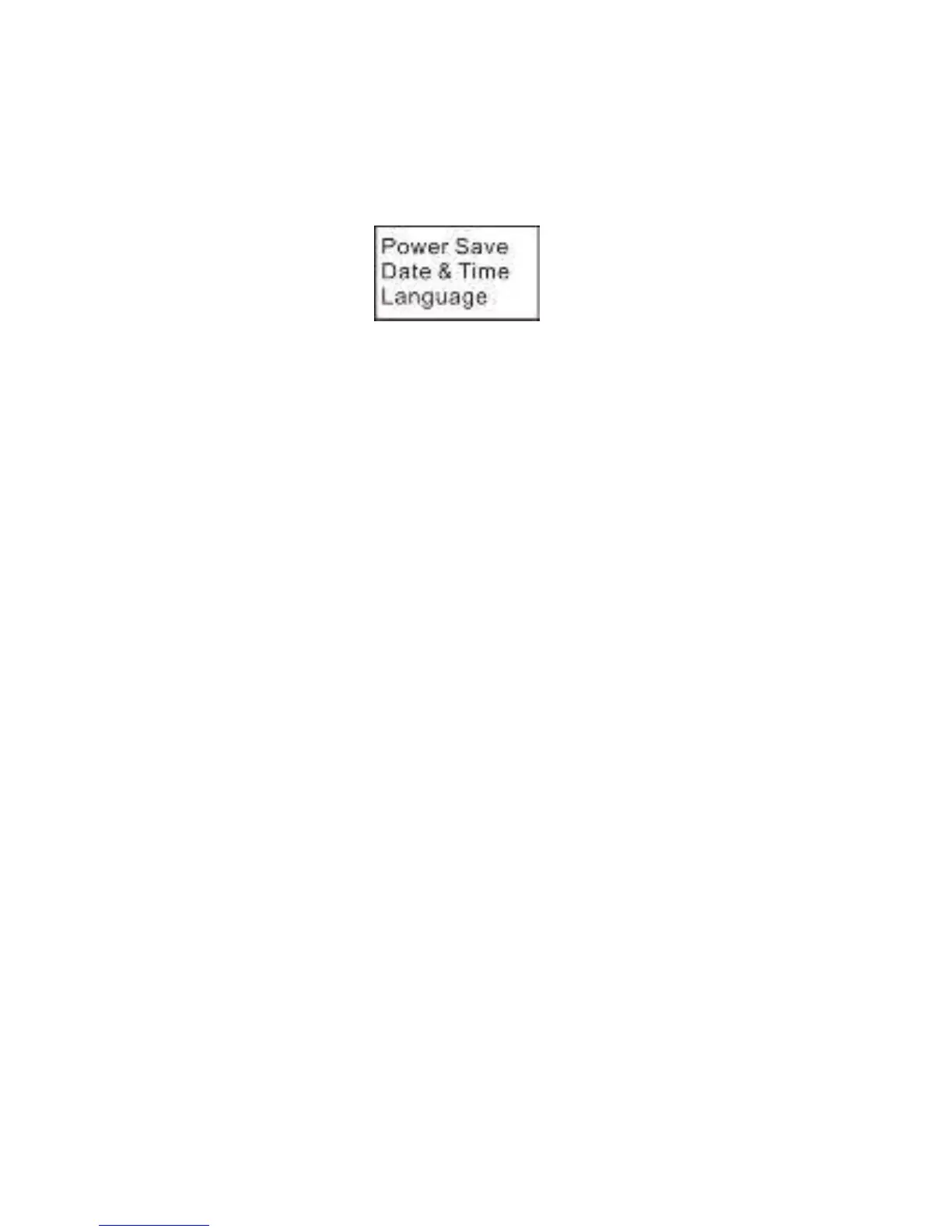
To access the Settings Menu, press and hold the WIFI button for
about 3 seconds. The screen below will appear.
Navigation
In Menu mode, press the WIFI button to move the cursor down.
Press the shutter button to confirm.
Press and hold the WIFI button for 3 seconds to go back or exit.
Power-save
You may set the camera to enter a power-saving mode after a
certain amount of time. Available options are 1min/3min/5min or
OFF.
Date & Time
Set the camera’s system time and date.
Press the power/mode button to advance to the next unit.
Press the WiFi button to go to the next lower number.
Press the shutter button to exit.
Language
Select the system language
English, Chinese, French, Spanish, Italian, Portuguese, Dutch, or
Russian


 To Next Page