5
CHARGING
Use the included USB cable to charge the camera. While
charging, the indicator light is blue. When charging complete,
the light will turn off.
Important
Be sure to charge with a 0.5 to 2.0A USB power source.
THE APP
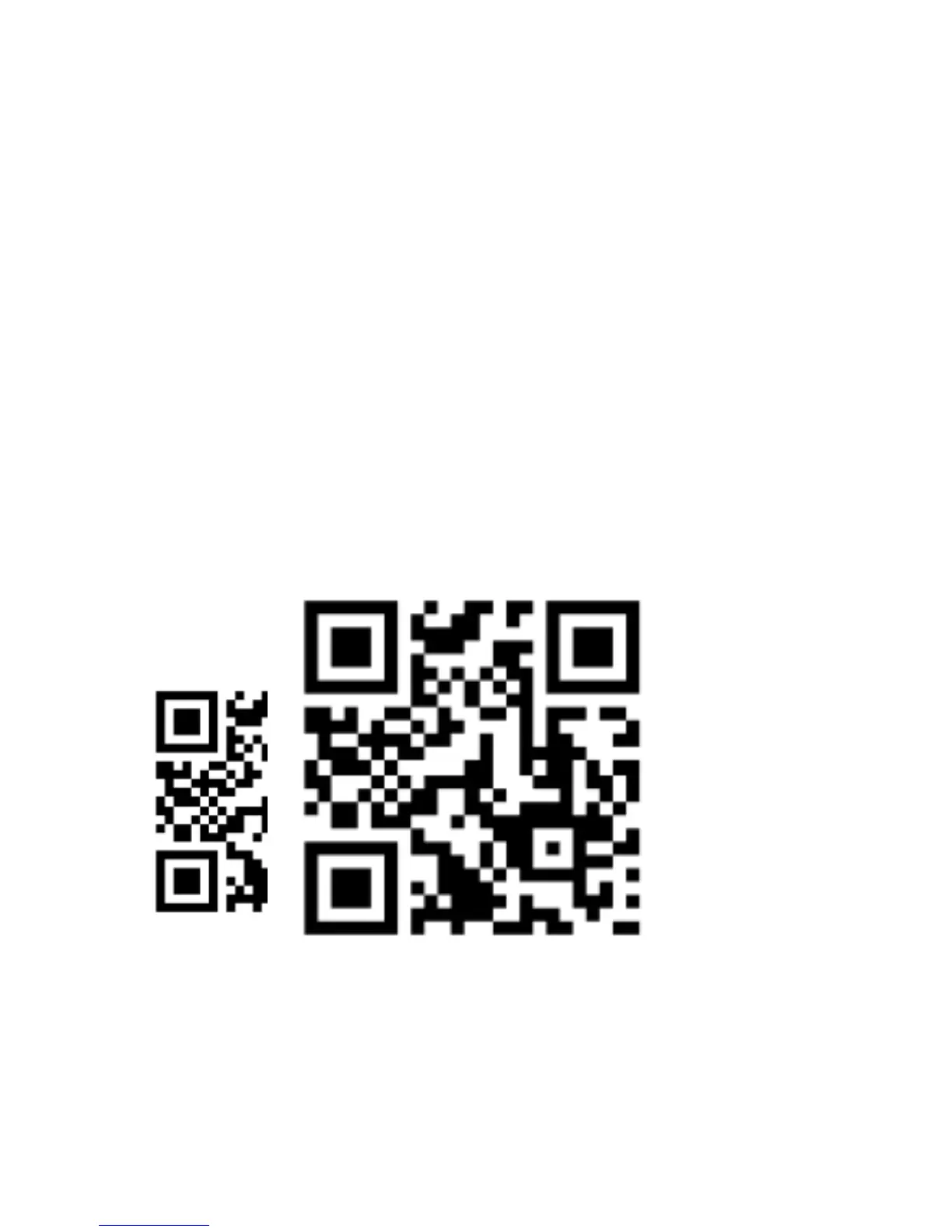
For Apple or Android systems, please scan this QR code below or
search “Monster Vision VR” in the App Store or Google Play.


 To Next Page