7
VIDEO AND PHOTO MODES
Press the power/mode button to switch between modes.
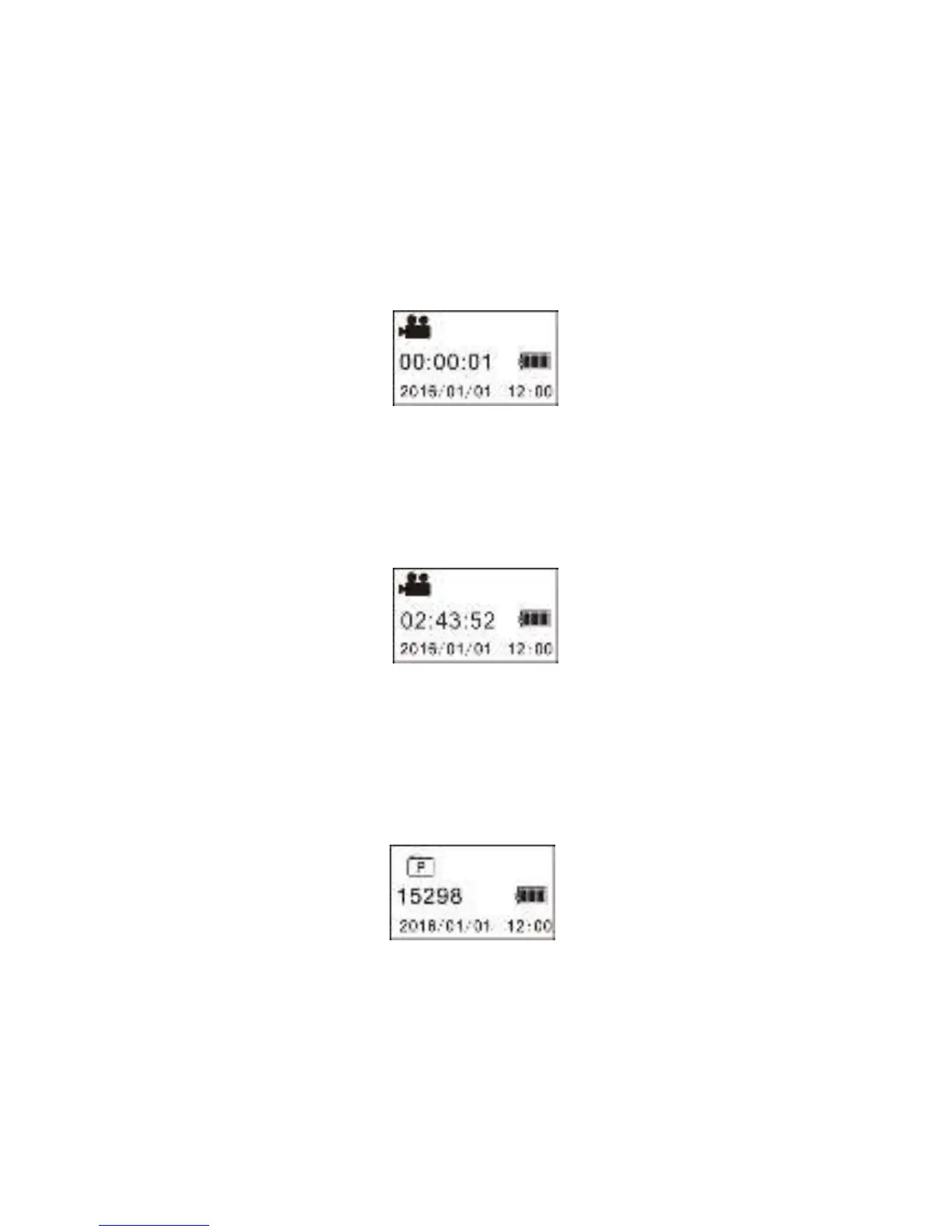
The corresponding icon will appear on the display.
Start recording: Press Shutter button. The camera will display the
recording’s time.
Stop recording: Press the shutter button to stop. The video will be
stored to the memory card and the display screen will show the
remaining time available on the card.
Photos: In photo mode, press the shutter button to take pictures.
After shooting, the screen will show the estimated number of
pictures available on the card.


 To Next Page