6
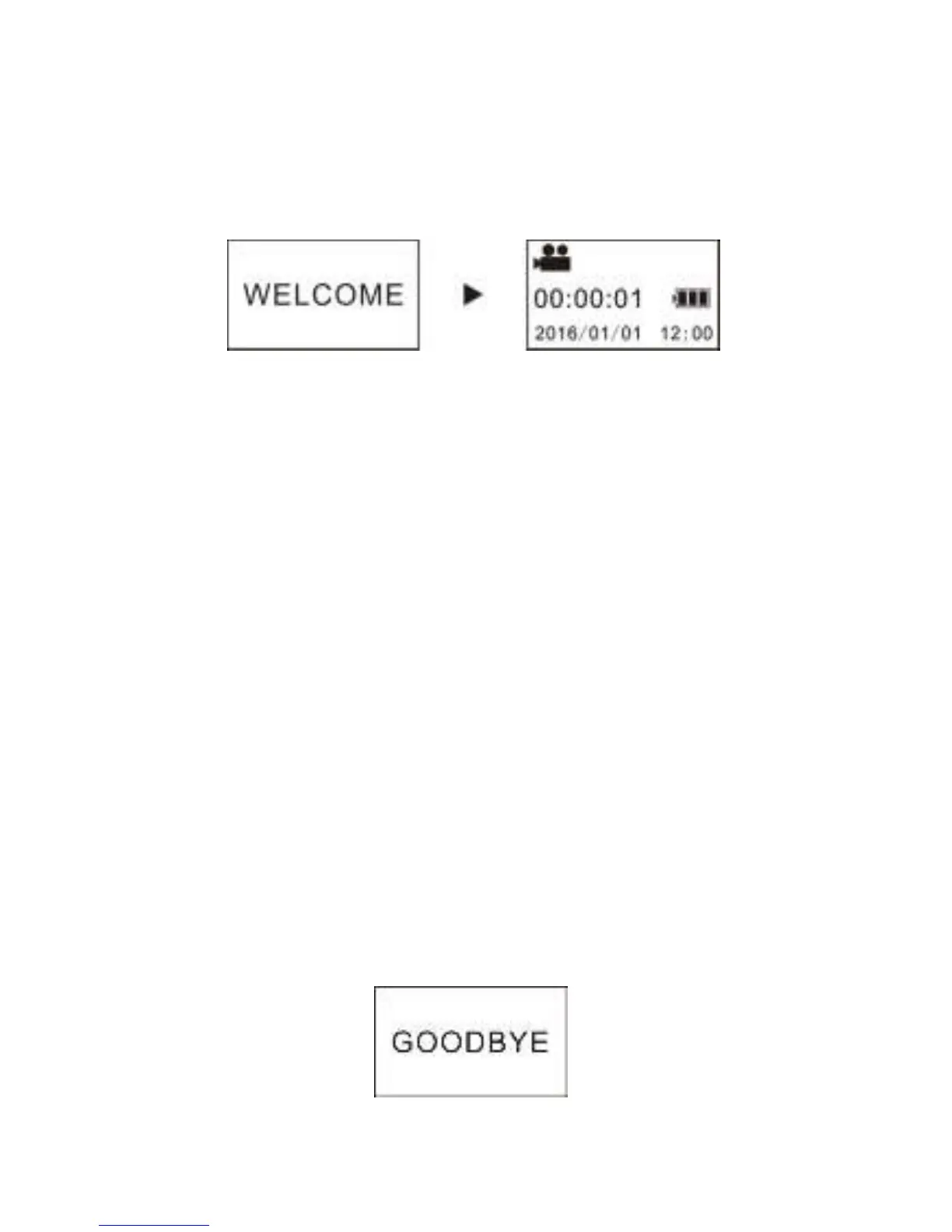
TURN ON CAMERA
Press and hold power/mode button for about 2 seconds.
The camera will turn on and the display screen will illuminate.
Important
If the camera does not turn on make sure the battery
has been charged.
POWER SAVING FEATURES
Display off: If the camera is idle for 1 minute the display will
automatically turn off. Press any button to turn it back on.
Auto Turn off: To save power the camera will turn off
automatically after 3 minutes of sitting idle. This setting is
adjustable.
TURN OFF CAMERA
Press and hold the power/mode button for about 2 seconds and
the camera will turn off.


 To Next Page