20
YouTube
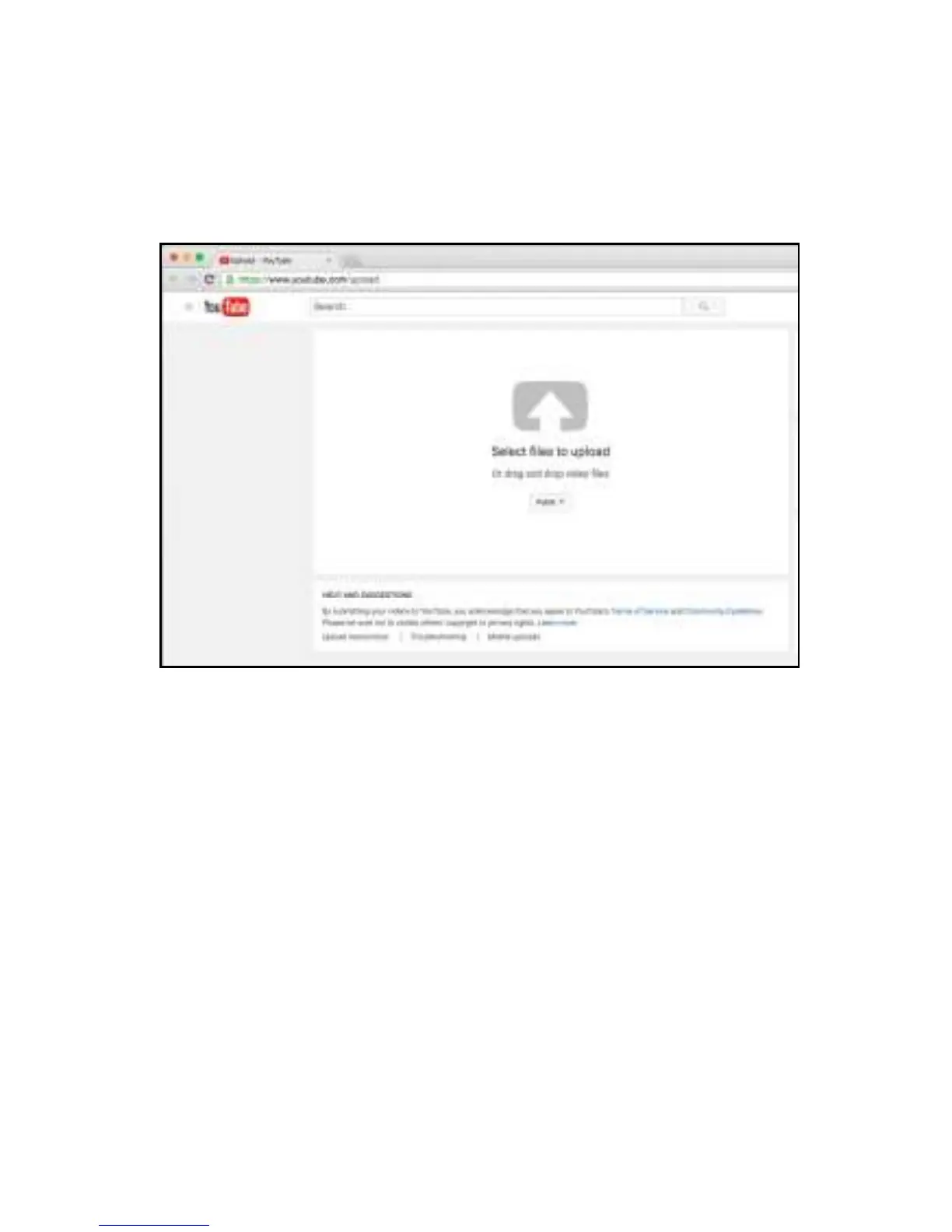
Click the YouTube icon and the YouTube upload page will open.
Click on the white arrow in the center of the window.
Select the file you just created.
Like any other upload, add tags, a description and determine the
sharing criteria then click “publish”.


 To Next Page