19
UPLOADING
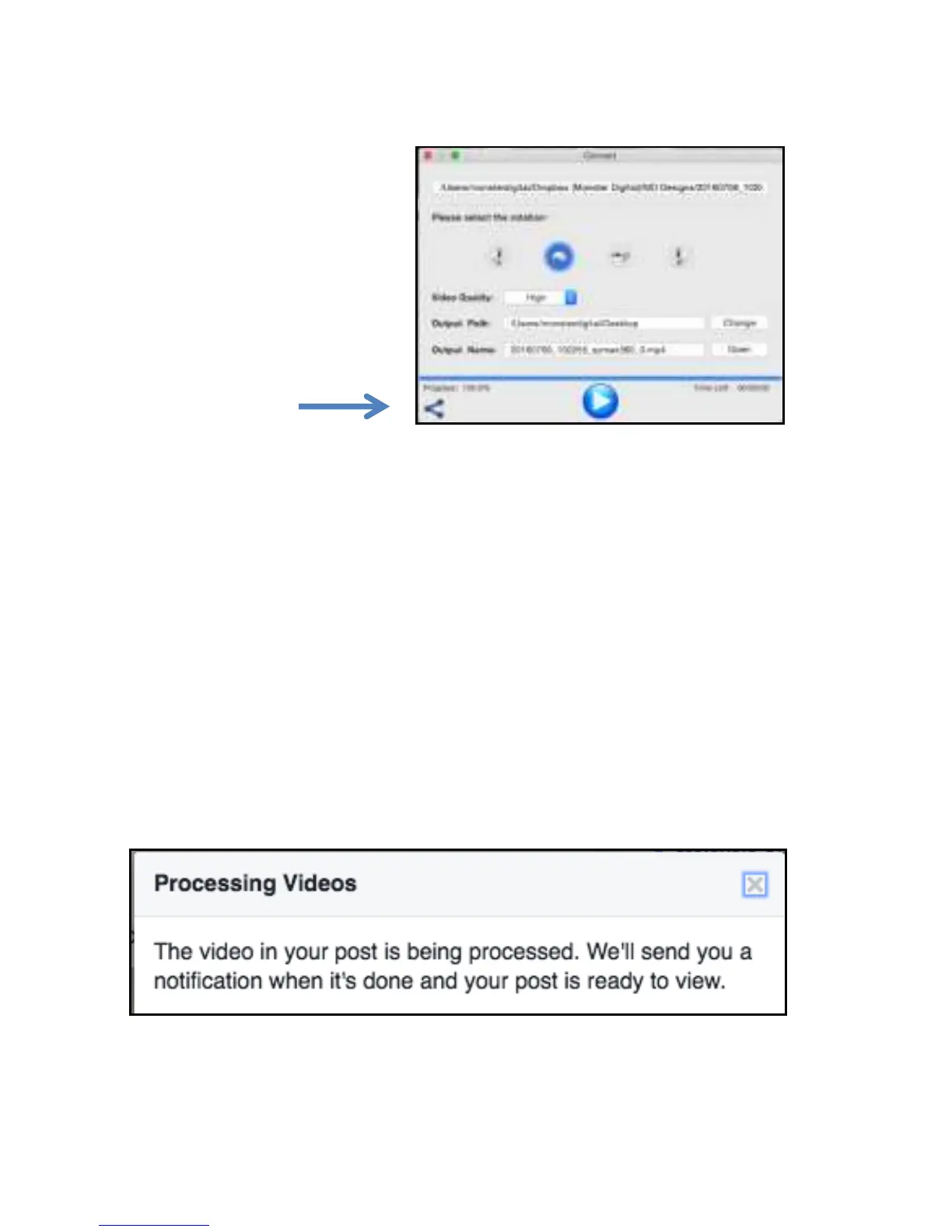
Click the share button in
the bottom left corner of
the window.
Facebook
Click the Facebook icon and Facebook will open in your browser.
Click “Photo/Video” and select the file you just created.
Select the appropriate share setting
Say something about the video if you like
Finally click POST
Facebook will notify you when the post is available.
It will take a few minutes for Facebook to process the VR video.


 To Next Page