18
CONVERTING
Press the CONFIRM button in the bottom right corner.
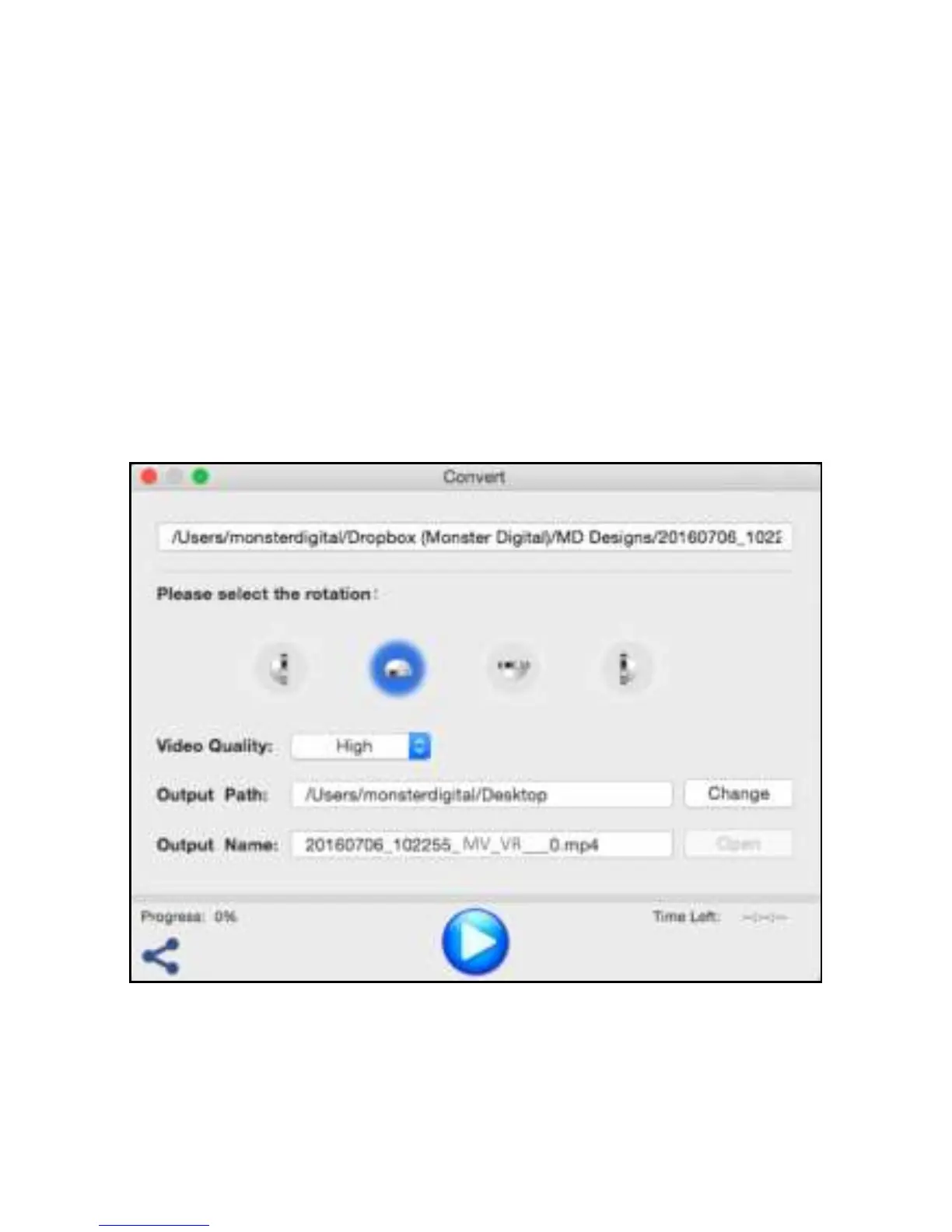
A window will open with several options to choose from.
Be sure to select “HIGH” under Video Quality.
Confirm or change the Output Path.
Note: the “Output” or file name will be automatically generated
but, like any other file, you can rename it after the file is created.
Press the big blue button in the lower center section of the
window to start the conversion.
Progress is displayed on the bar above the button.


 To Next Page