13
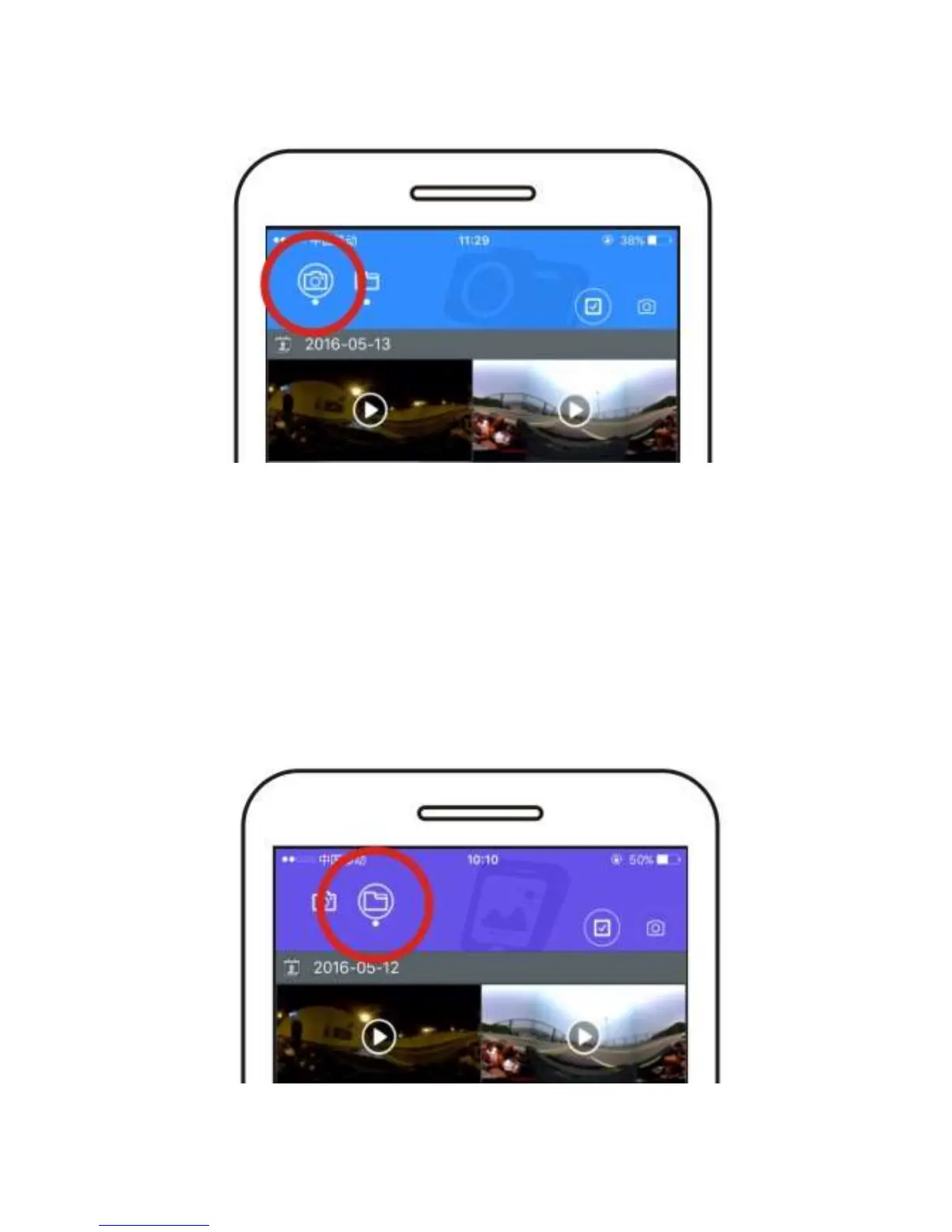
STEP 5 – Select the camera icon to access the camera’s microSD
card.
Tap the check mark inside the square to select multiple files.
Select the files to be downloaded.
Tap the down arrow.
Confirm the download and the files will be copied to the phone.
Tap the four squares in the upper left corner to exit.
STEP 6 – Tap the folder icon to access the VR files on the phone. To
view, select the file and tap to play.


 To Next Page