14 | CONTROLS AND CONNECTIONS
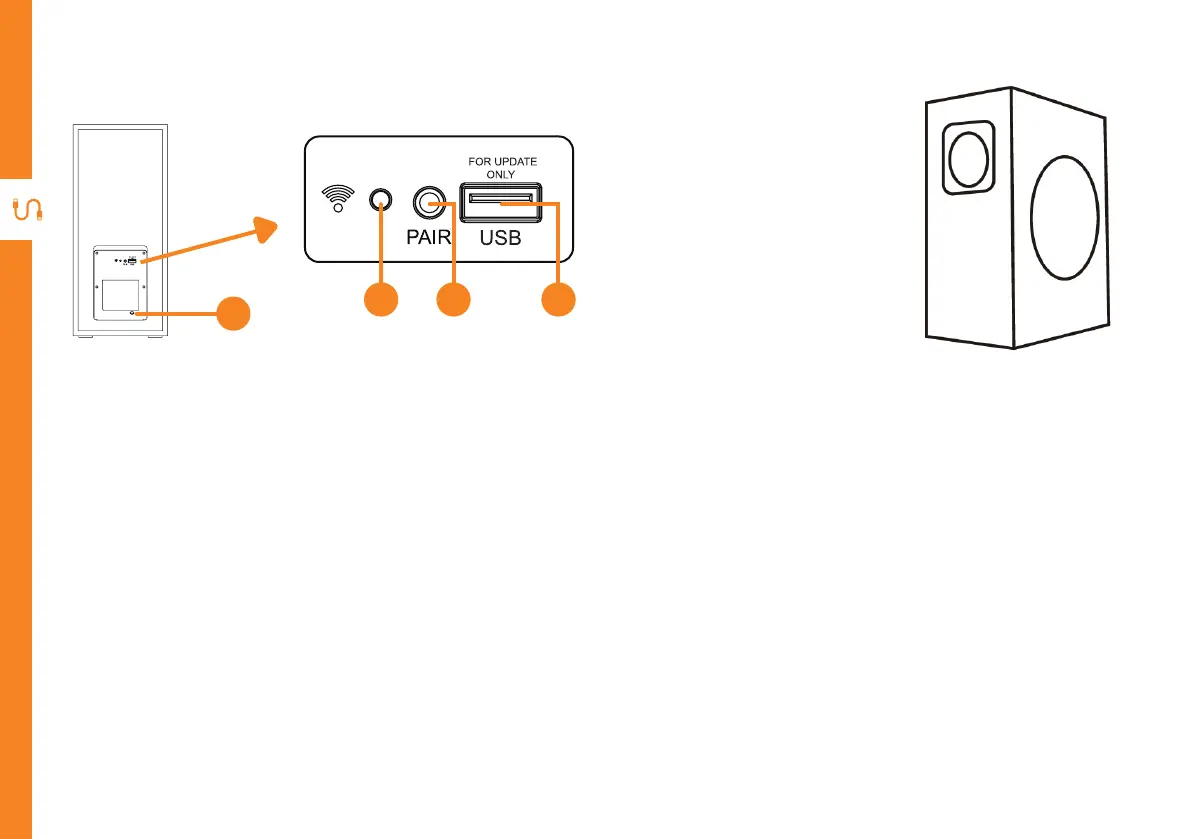
1. Power Cord- connect to power.
2. LED Indicator - flashes blue slowly when searching to pair with the soundbar. The LED will flash
blue quickly when pairing with the soundbar. The LED will light up blue once pairing with the
soundbar is successful. When the subwoofer is on standby, the LED will light up red.
3. Pair button - press to reset and manually pair with soundbar again.
4. USB port - for software update only - cannot be used for music playback.
Wireless Subwoofer
Rear
2
1
3 4


 To Next Page