09
Drum Rhythm
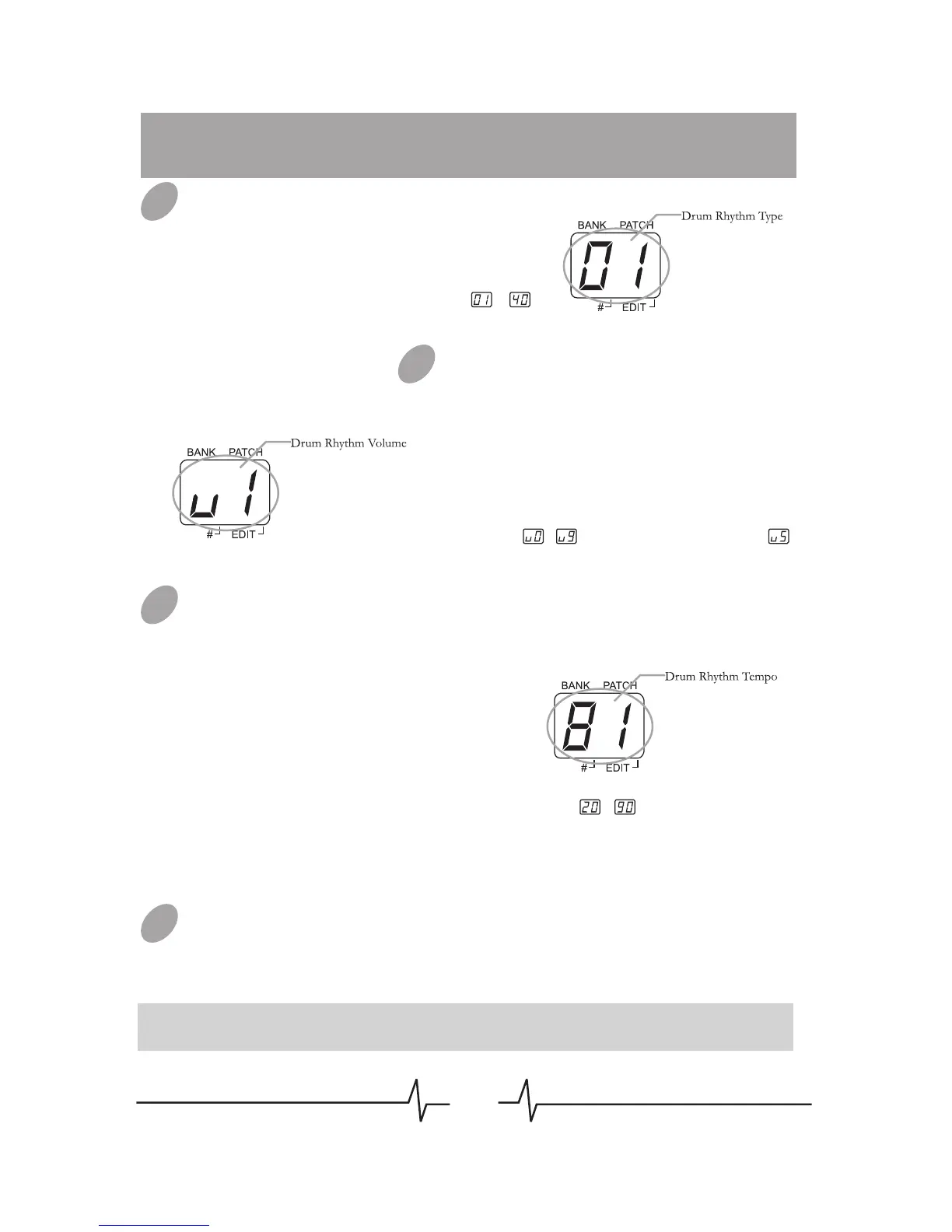
Selecting Drum Rhythm Type
Set the Module Selector to [RHYTHM],
LED display will show the rhythm type
firstly, and then rotate the [VALUE]
knob to select the rhythm type ( ~ ).
Adjusting Drum Rhythm Volume
Set the Module Selector to [RHYTHM],
LED display will show the rhythm type
firstly, and then press [VALUE] button
once, at that time, LED displays the
drum rhythm volume, then rotate the
[VALUE] knob to change the rhythm
volume ( ~ , the default value is ).
Changing Drum Rhythm Tempo
Set the Module Selector to
[RHYTHM], LED display will show the
rhythm type firstly, and then press
[VALUE] button twice, at that time, the
number displayed in LED indicates the
tempo of drum rhythm, then rotate the
[VALUE] knob to change tempo.
Start/Stop Drum Rhythm
When in RHYTHM mode or EDIT mode (Except PLAY/STORE
mode), press [PATCH –] footswitch will start the drum rhythm. When
the rhythm is playing, press [PATCH –] footswitch again to stop.
Note: You can’t stop the drum rhythm in PLAY/STORE mode.
01
03
04
02
The range of the displaying tempo value is ~ , indicate the real
tempo 60~270 BPM, each rhythm has its own default tempo value.


 To Next Page