MOON 220i Integrated Amplifier
Front Panel Controls
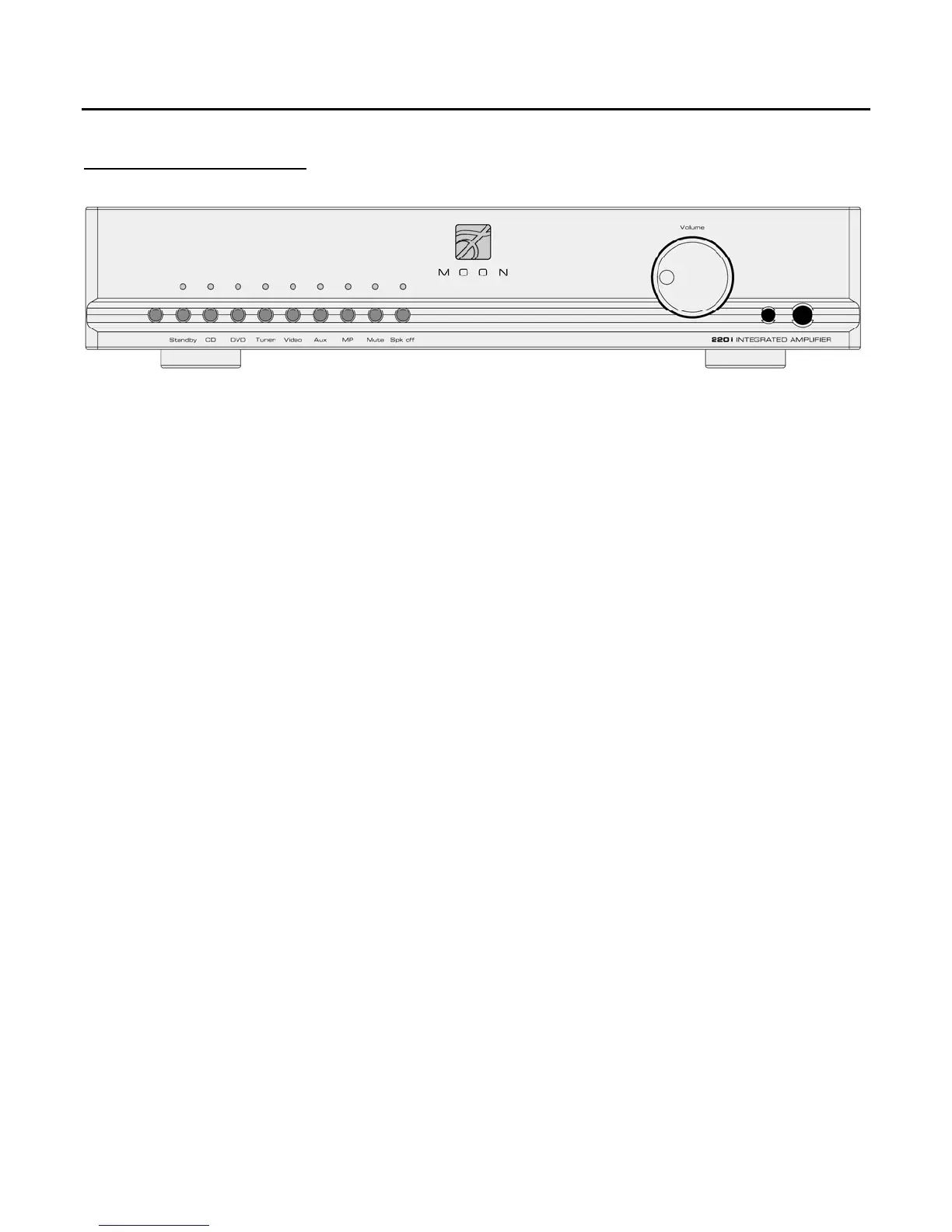
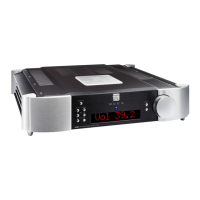
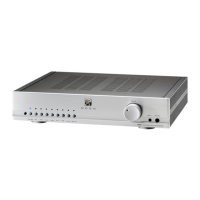
Figure 1: MOON 220i Front panel
The front panel will look similar to Figure 1 (above). On the lower left side you will find 9 push buttons with an indicator LED
directly above each one. The remote control sensor is located directly to the left of the “Standby” button and it should never
be blocked or remote control operation may be compromised. The “Standby” button disengages the input section from the
rest of the 220i’s circuitry. When in “Standby” mode all audio circuitry remains powered up to help maintain optimal
performance. When switching back from “Standby” to the “on” mode, both the ‘input’ and volume level settings will be
memorized from the previous listening session. The blue indicator LED does not illuminate when the 220i is in “Standby”
mode.
The MOON 220i integrated amplifier has six (6) inputs labeled CD, DVD, Tuner, Video, Aux, and MP. Each of the first five
(5) inputs has a corresponding pair of input connections located on the unit’s rear panel (refer to the section entitled “Rear
Panel Connections” for futher details). The sixth input, labelled “MP” (Media Player) has its corresponding input connection
located on the far right side of the front panel for easy access. As well, the “MP” input, located to the right of the volume
control, uses a 1/8” mini-jack connector which is the most common type of connection found on portable media players.
Select any one of these six (6) inputs by simply pressing the associated button. When selected, the corresponding red
indicator LED, located directly above the button will illuminate.
The “Mute” button mutes the output signal to the loudspeaker terminals, headphone jack and the “PRE OUT” connectors
(refer to the section entitled “Rear Panel Connections” for futher details). Pressing the “Mute” button a second time will
reinstate the volume back to its previous level. When the output signal is muted, the corresponding red indicator LED, located
directly above the “Mute” button, will flash on and off. As well, the LED corrsponding to the selected input will shut off.
The “Spk off” button fully disengages the output signal only to the loudspeakers connected to the MOON 220i. This feature
is very useful when listening to the 220i with headphones. As well, the output signal to the “PRE OUT” is unaffected.
The rotary “Volume” control determines the output level. Turning it clockwise increases the volume level and turning it
counterclockwise decreases the volume level.
The “Phones” jack is used for connecting a pair of stereo headphones to the MOON 220i. The input connector is a standard
¼” stereo TRS jack. When a pair of headphones are used with the 220i, the loudspeakers will still receive an output signal.
However, you should use the aformentioned “Spk off” button for private listening.
____________________________________________________________________________________
Front Panel Controls 7


 To Next Page