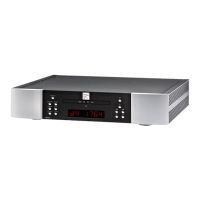
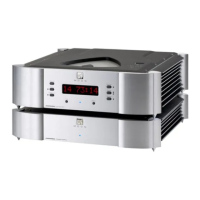
MOON Eclipse CD Player
Remote Control Operation
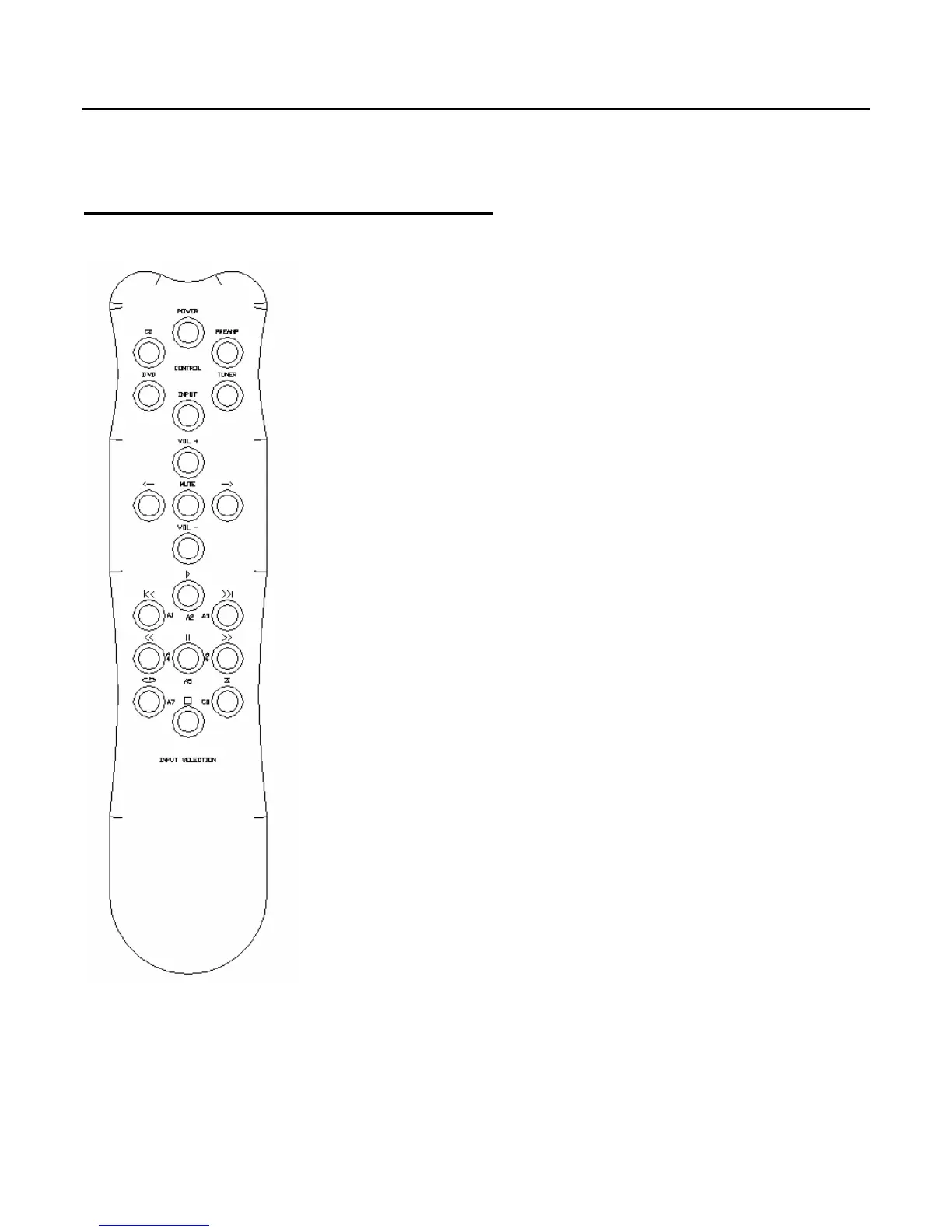
The MOON Eclipse CD Player uses the ‘FRM’ full function, all
aluminum remote control (figure 5). It operates on the Philips RC-5
communication protocol and is can be used with other Simaudio
MOON components such as the P-5 and P-3 Preamplifiers, AIR FM
Tuner and both the i-5 and i-5080 integrated amplifiers.
The ‘FRM’ remote uses three AAA batteries (included). To install
them, use the supplied Allen key to remove the three screws
located on the back plate; insert the batteries in the correct
direction and then screw the back plate back into place.
To operate the Eclipse with this remote control, you must first
press the button labeled ‘CD’ on the top left corner.
The lower section of the ‘FRM’ has nine (9) buttons, eight (8) of
which operate the Eclipse. All of these functions are available on
either the top panel or front panel of the CD Player. Please refer to
these aforementioned sections for a more detailed description of
each of these buttons:
X Play the compact disc loaded into the player
Skip to the previous track on the disc
Skip to the next track on the disc
Scan backwards through the current track of the disc
Pauses the player
Scan forward through the current track of the disc
2 Repeat the entire disc or the current track
Stop playing the current track
Figure 5: FRM Remote Control
____________________________________________________________________________________
Remote Control Operation 15


 To Next Page