7
Rev. 1.0
11/28/2017
STF-D/IP Hardware Manual
400-820-9661
2.1 Installing Software
Before utilizing the STF-D/IP drive in an application, the following steps are necessary:
• Download and install the STF Congurator software.
• Connect the drive to PC directly, and configure the computer to use IP address 10.10.10.11
(For instructions on connecting your STF drive to a local area network (LAN), please read the
section
”
Connect the drive to PC using Ethernet
”
).
• Launch the software by clicking: Start/All programs/MOONS
’
/STF Congurator.
•
Connect the drive to the power supply.
• Connect the motor to the drive.
• Apply power to the drive.
• The software will recognize the drive and display the model and firmware version. At this point,
it is ready for use.
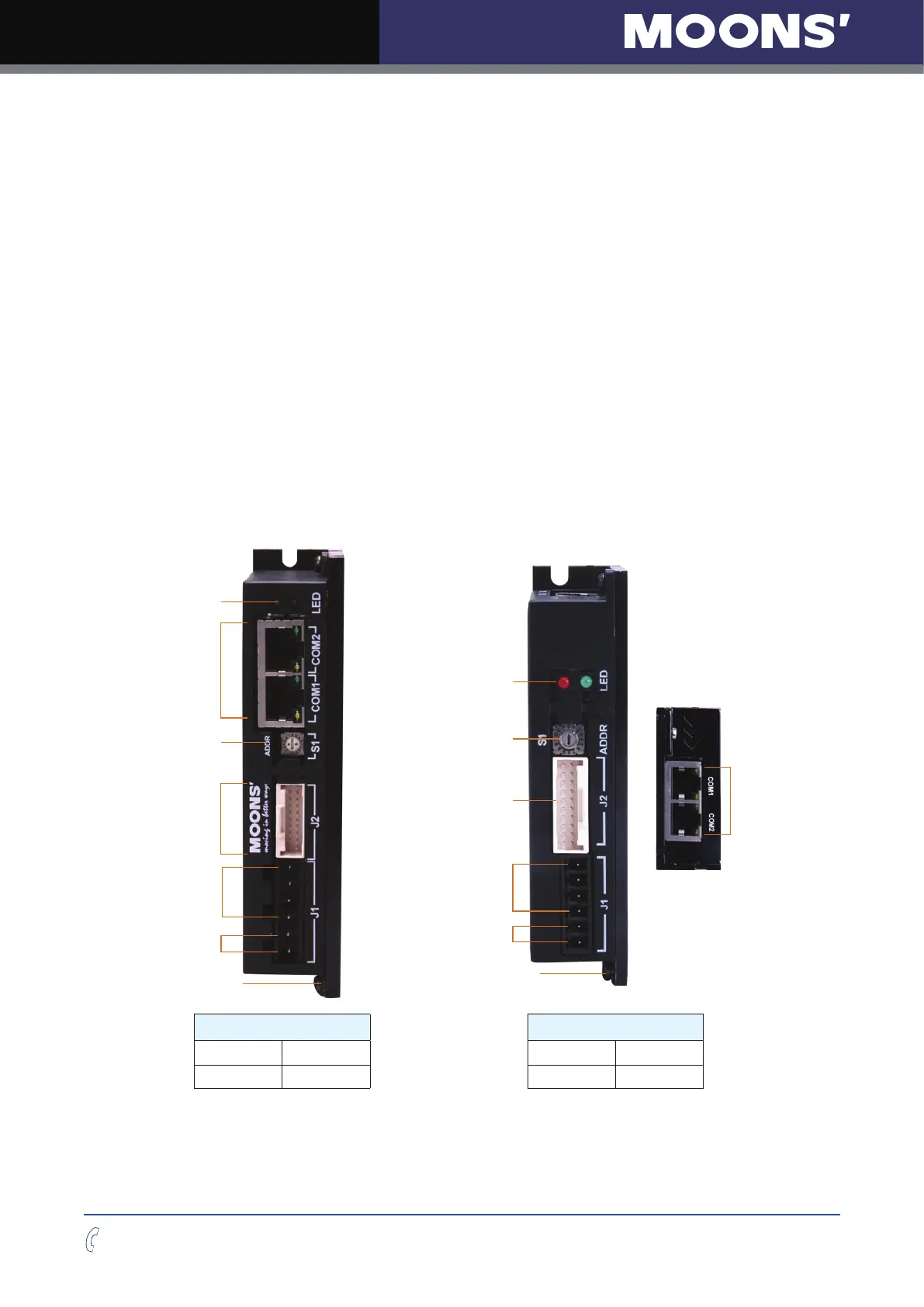
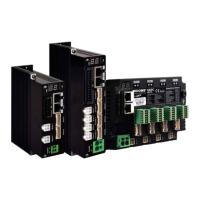
The connectors and other points of interest are illustrated below:
Grounding Screw
Drive Status Disply LED
IP Address Switch
Motor Connector
Power Connector
I/O Connector
Ethernet
Communication Port
Grounding Screw
Drive Status Disply LED
IP Address Switch
Motor Connector
Power Connector
I/O Connector
Ethernet
Communication Port
Model Model
STF05-D STF05-IP STF03-D STF03-IP
STF10-D STF10-IP STF06-D STF06-IP



 To Next Page