64
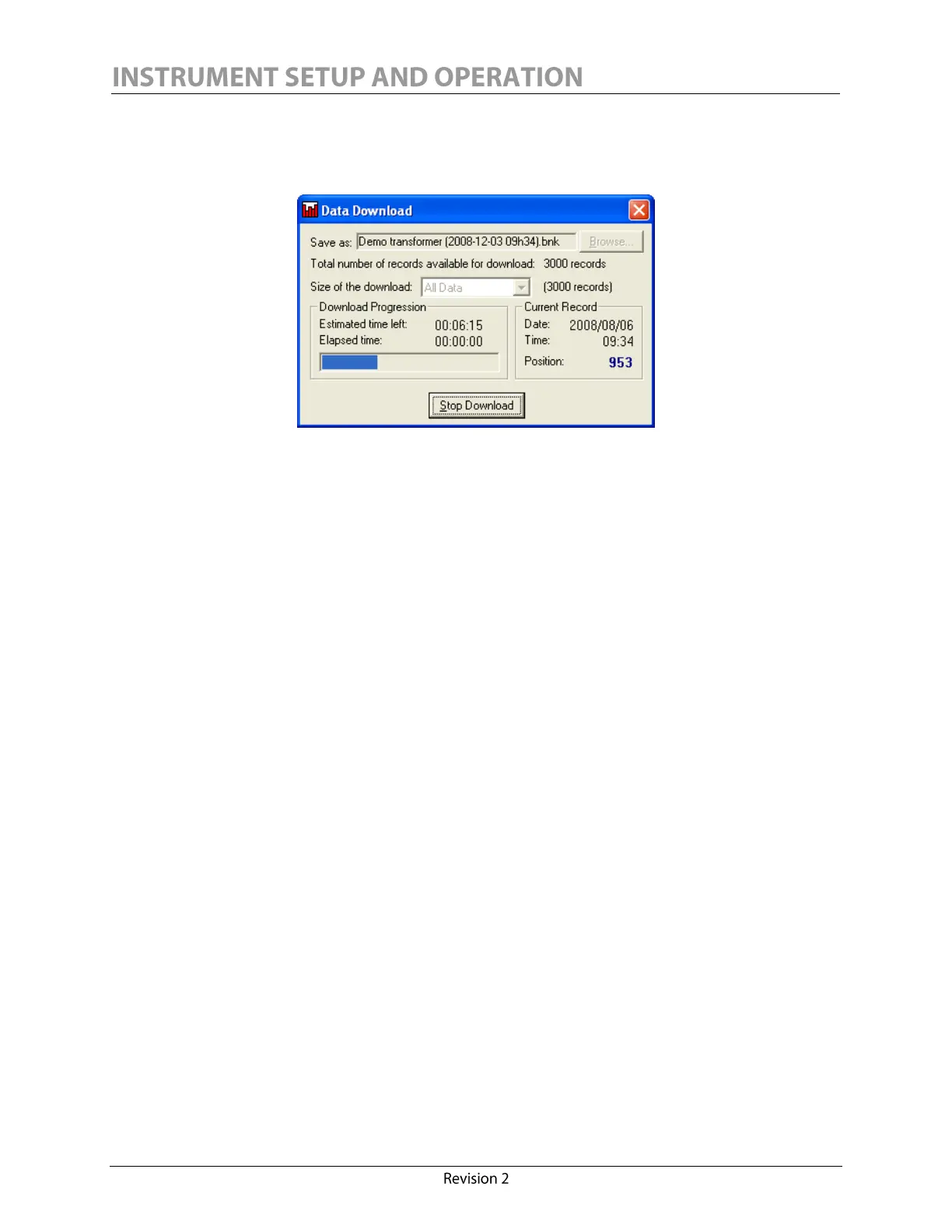
To download just a portion of the entire data bank, the download size can be chosen. The available
choices are: last week, last month or entire database. When the Start Download button is pressed, the
progress of the download will be shown, including the estimated time until completion.
The download can be interrupted at any time. The data downloaded prior to pressing stop will be
saved to the chosen file. Once the download is completed, the user can press the OK button to
return to the main screen. Moreover, the data bank will automatically be loaded and displayed in the
graphic plotting panel, and the window will be maximized to your screen.


 To Next Page