25
5.2.3 Calibration
It provides 3 method to calibrate.
5.2.3.1 Import Calibration File
It is fit for reinstalling or updating the software. (Not to change the hardware)
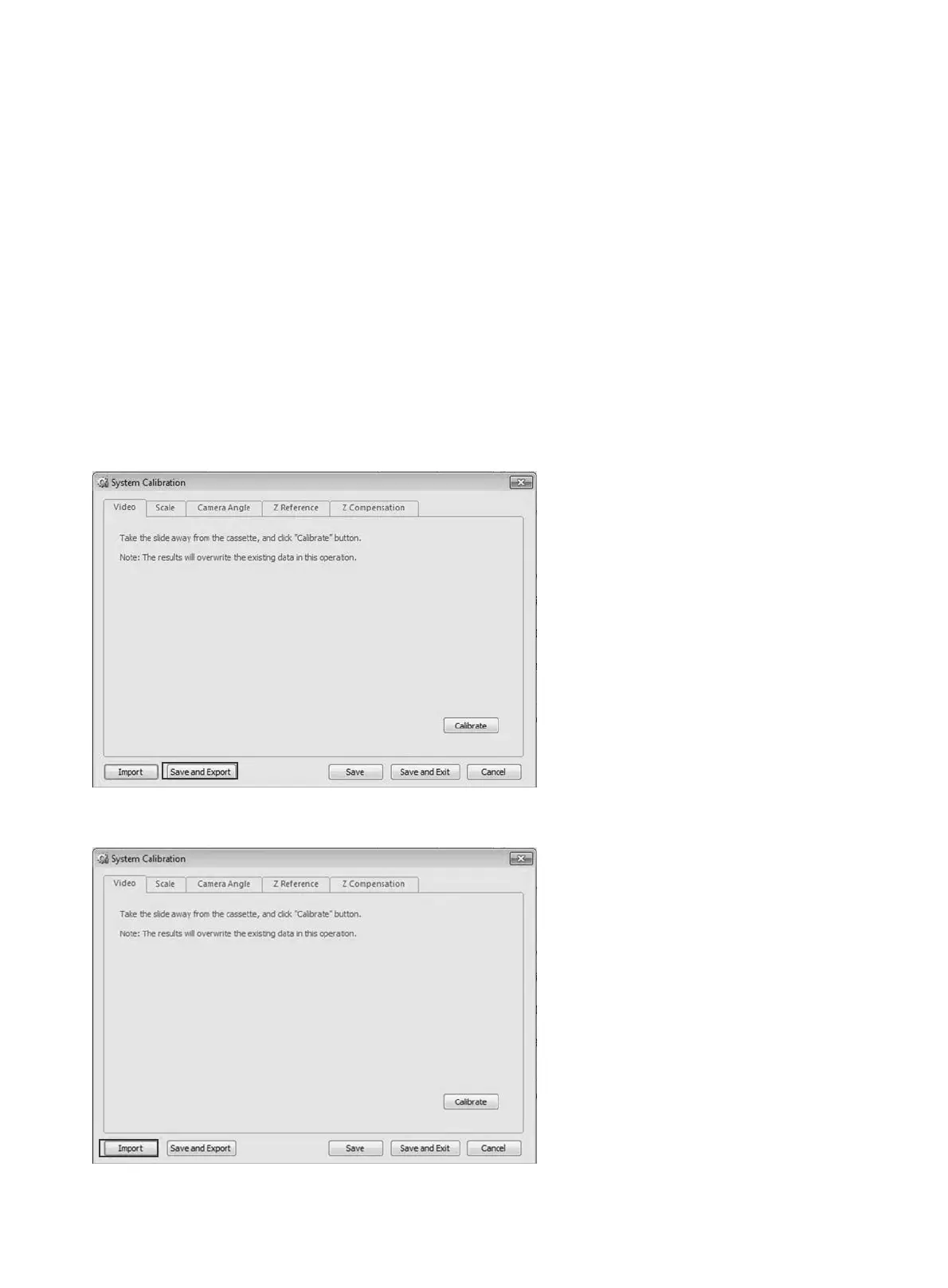
a. Make sure you had exported the correct calibration data before reinstalling or updating the software.
Go to
“System Calibration”
, click
“Save and Export”
button; then it will save the calibration data
to a file.
Note:
Generally you can do it as a backup file when the EasyScan is in a good condition or you finished
all calibration.
b. Go to “System Calibration”, click ‘Import’ button and select the backup calibration file.


 To Next Page