8
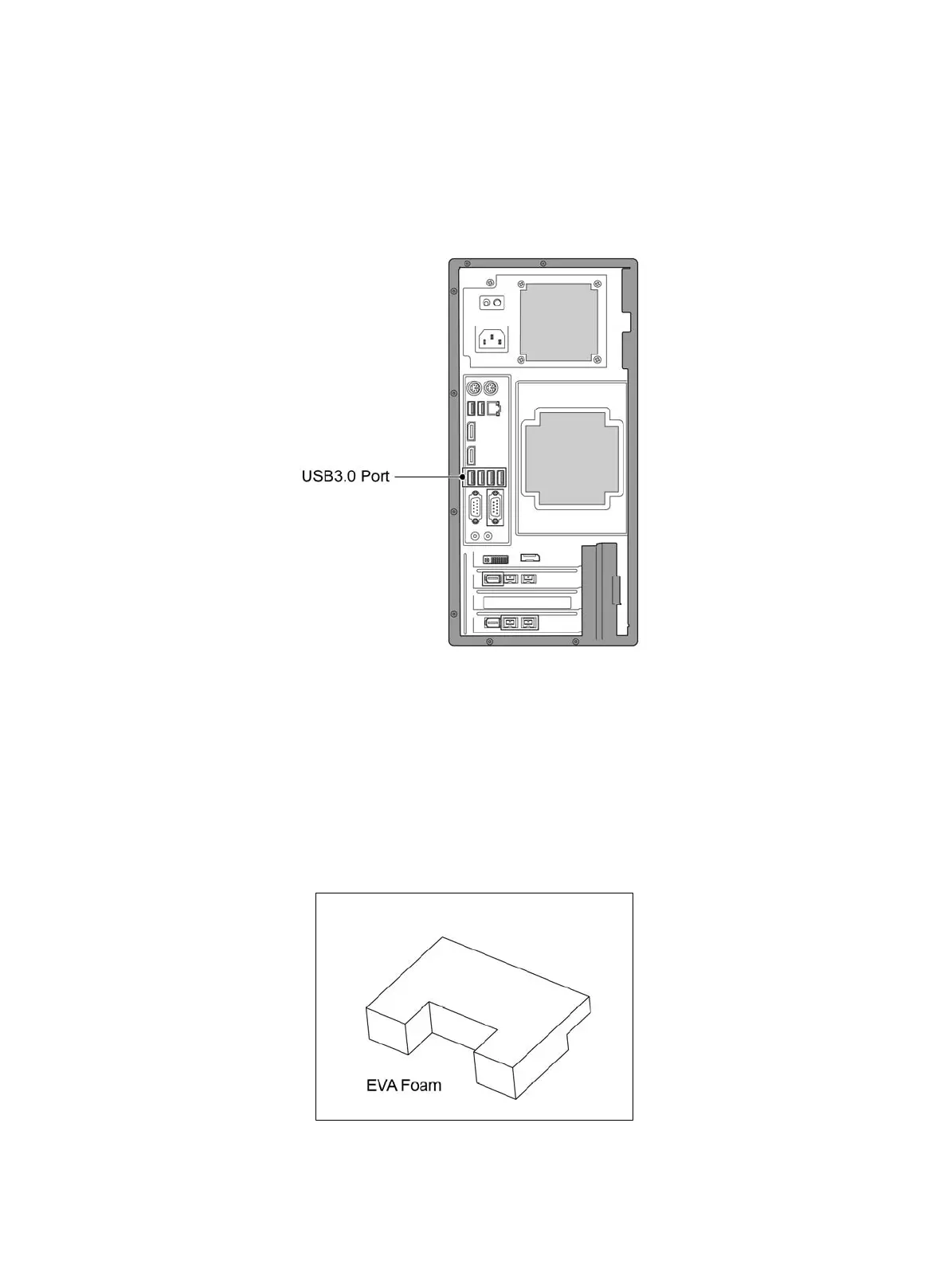
2.2.4.2 Computer Ports Description
USB port of host computer should be USB3.0 port, which is signed with SS or marked as blue color.
Computer Ports Diagram
(Fig. 4)
2.2.5 System Connection Operation
Please make sure the EVA foam, which is inside the device, is taken out before starting any operation
and connection work. (Fig. 5)
(Fig. 5)


 To Next Page