27
5.2.3.3 Manual Calibration
It is fit for changing hardware especially the camera or failing to auto calibrate.
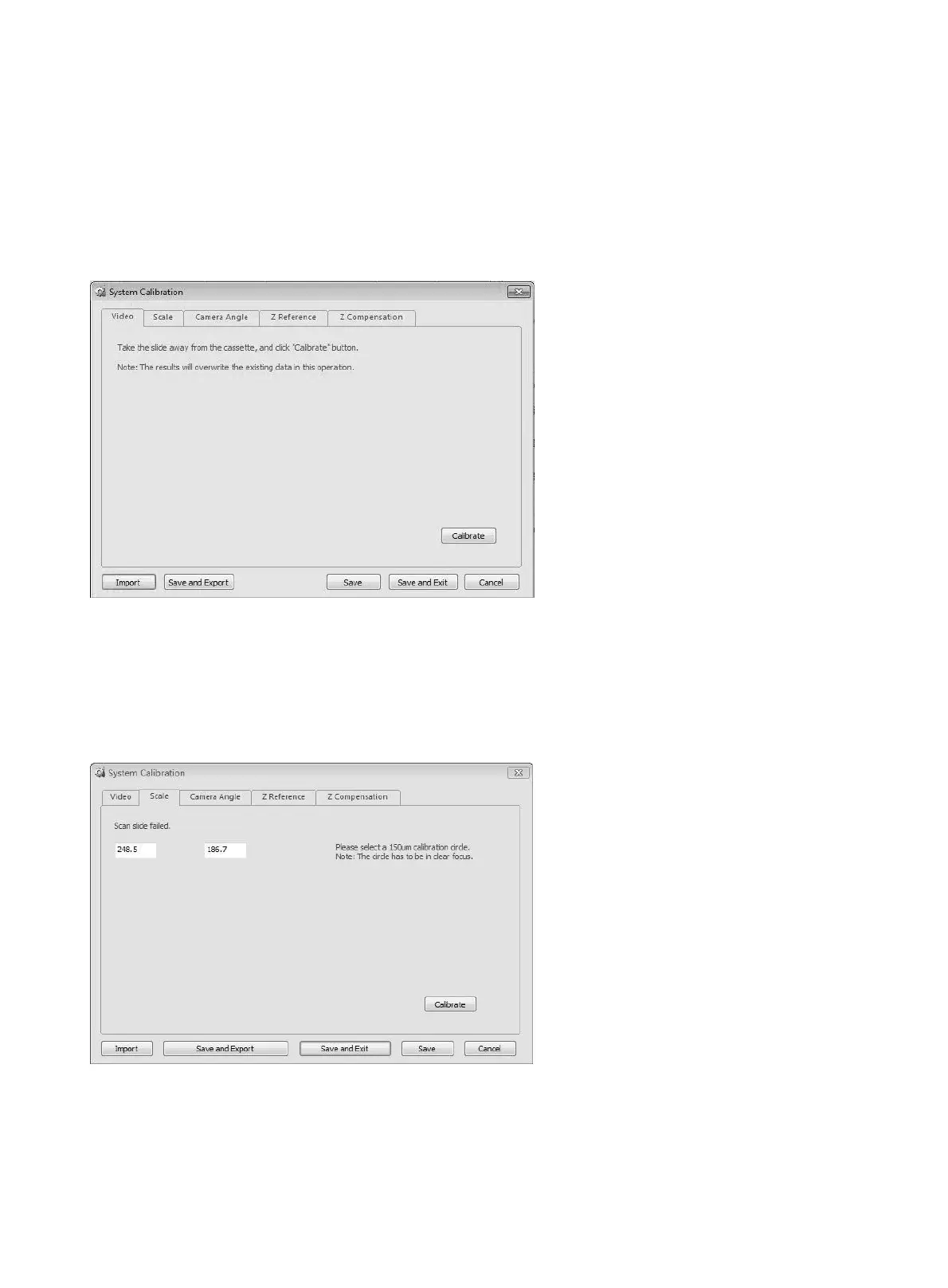
a. System Calibration
● Video Calibration
Calibrate: remove the slide first, and click this button, the system will automatically process "Exposure",
"Background Balance", "White Balance".
● Video Scale Calibration
For implementation of video scale calibration.
Field of view width / height (um):
displays the calibration results of corresponding horizontal and
vertical video scale;
Calibrate:
start to perform the calibration operation.


 To Next Page