21
5. Using the phone
5.1 Switch the handset on/o
1. To switch the handset on, press e.
2. When the handset is on standby screen, press and hold e for about 5 seconds.
Confirm?
is displayed, press
Yes
to confirm or
No
to cancel.
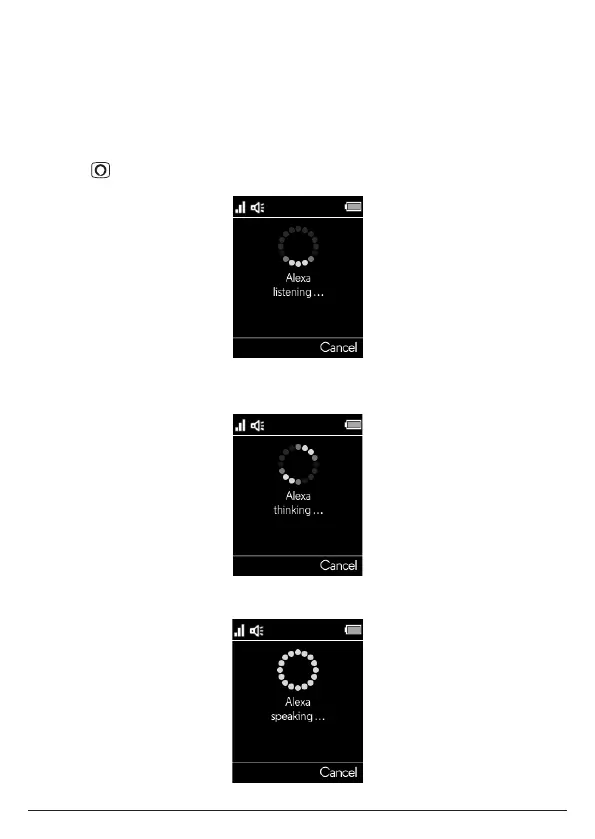
5.2 Using Alexa
1. Press , the display will show
Alexa listening...
and a beep will be heard.
2. You can then ask Alexa what you need. For example:
“Alexa, what’s the weather?”. The screen will display
Alexa thinking...
.
3. When a response is provided, the display will show
Alexa speaking...
Using the phone



 To Next Page
 Loading...