13
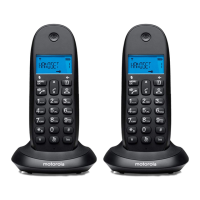
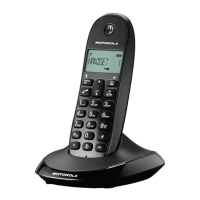
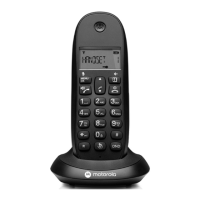
Getting to know your phone
E Talk / Hands-free
Press to switch hands-free on or o during a call.
Press to make and receive calls.
F * / Intercom / Pulse to Tone dialling
Dial a *.
Used to make internal calls and transfer calls to other C1CB+ handsets
registered to the base.
During a call, press to switch from pulse dialling to tone dialling.
G Recall
Use with switchboard / PABX services and some network services.
H Redial
In standby mode, press to open the redial list.
I Phonebook / Delete / Back
In standby mode, press to open the phonebook menu.
In editing mode, press to delete characters and digits.
Go back to the previous menu level.
J End Call / Exit / Switch Handset on / o
Press to end a call.
When viewing the redial / calls list / phonebook or when in the menu, press
to exit and return to standby mode.
Press and hold for 5 seconds to switch o the handset and single press to
switch on the handset.
K Call list / Down
In standby mode, press to open the calls list.
During a call, press to decrease earpiece volume.
When the phone is ringing, press to decrease the handset ringer volume.
Press to scroll through the menu options, redial list, calls list and
phonebook entries.
L Pause / #
Press and hold to enter a pause (P) when pre-dialling or storing numbers.
Dial a #.
M Keypad lock
Press and hold to lock and unlock the keypad.
N Do Not Disturb
Press to automatically turn on Do Not Disturb.
Press and hold to enter the call block menu.
O Microphone


 To Next Page