15
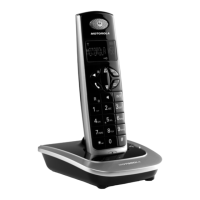
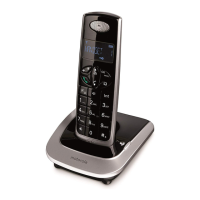
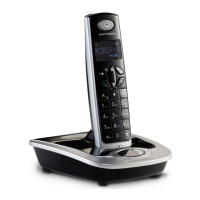
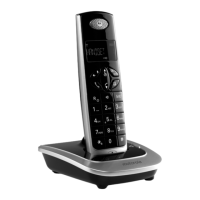
Getting to know your phone
H * / Ringer
Press to turn the handset ringer on or o.
I Calls List /Clear / Back
Open the calls list in standby.
Delete characters and digits when entering names and numbers.
Go back to previous menu level.
J Scroll Up / Volume up
Press U to scroll up through lists and settings.
Increase the earpiece or hands-free volume during a call.
K Flash
Use flash (F) functions.
L Right navigation button
Scroll to the right.
M OK
Open the selected event from the event reminders
Confirm menu option.
N End Call / Exit / Switch Handset on / o
End a call.
When in a menu, go back to standby mode.
Press and hold to switch handset o (when in standby) or on.
O Calls List / Scroll Down / Volume down
Press D to enter the Calls list.
Scroll down through lists and menus.
Decrease the earpiece or hands-free volume during a call.
P # / Change case / Pause / CID format
Dial a #.
When entering letters / editing, press to change the case from Abc to abc
or ABC mode.
In calls lists: Press to toggle the Caller ID display format among 7, 10 and 11
digits when returning calls from Caller ID list.
Q 0/Space/Pause
Press to insert a space in text editing.
Press to insert 0 in number editing.
When dialing or storing a number, press and hold to enter a pause (P).
R Microphone
S Loudspeaker
T Battery cover



 To Next Page
 Loading...