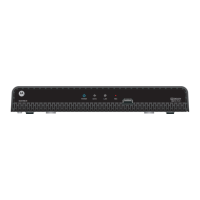
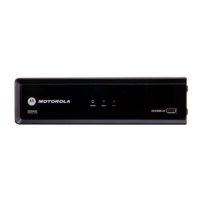
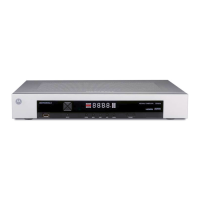
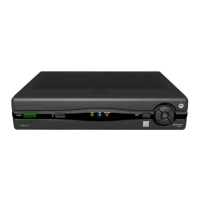
DCT3400 Series User Guide
17
CONNECTING YOUR CABLE TERMINAL
This section describes connecting the cable terminal to your home
entertainment system.
Instructions and diagrams are included for connections to:
• High-definition television (HDTV)
• A/V Receiver – Audio
• Stereo TV
• Stereo TV and Stereo VCR
• A/V Receiver, TV, and VCR
Before you move or change components on your entertainment system,
review the following:
• For basic cable connections, use 75-ohm coaxial cables equipped
with F-type connectors.
• Disconnect power from the cable terminal before connecting or
changing cable connections.
For information on connecting for HDTV, see “Video Options” on the next
page.
CAUTION!
Do not place anything on top of the cable terminal, especially other home
entertainment components. Be sure to provide adequate ventilation to prevent
overheating.


 To Next Page
 Loading...