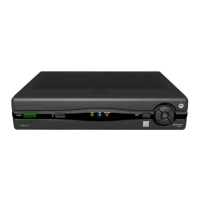
DCT3400 Series User Guide
25
Connecting an A/V Receiver – Audio Only
The audio connections options to your A/V receiver or home theater
receiver are:
• Optical SPDIF: Connect the optical SPDIF cable to the
OPTICAL
SPDIF
connector on the cable terminal and the corresponding
connector on the A/V receiver.
• Coaxial SPDIF: Connect the digital audio cable to the
SPDIF
connector on the cable terminal and the corresponding connector
on the A/V receiver.
• Stereo audio
R and L: Connect the stereo audio cable to the
AUDIO
R and L connectors on the cable terminal and the
corresponding connectors on the A/V receiver.
If your A/V receiver supports it, use the
OPTICAL SPDIF or coaxial SPDIF
outputs on the cable terminal instead of its stereo
AUDIO R and L outputs.
In most cases, SPDIF offers better audio quality, including support for
Dolby 5.1 Surround Sound.
For information on configuring your cable terminal settings, see
“Optimizing Your Cable Terminal for High-Definition TV.”


 To Next Page
 Loading...