10 Getting to know your phone
2. Getting to know your phone
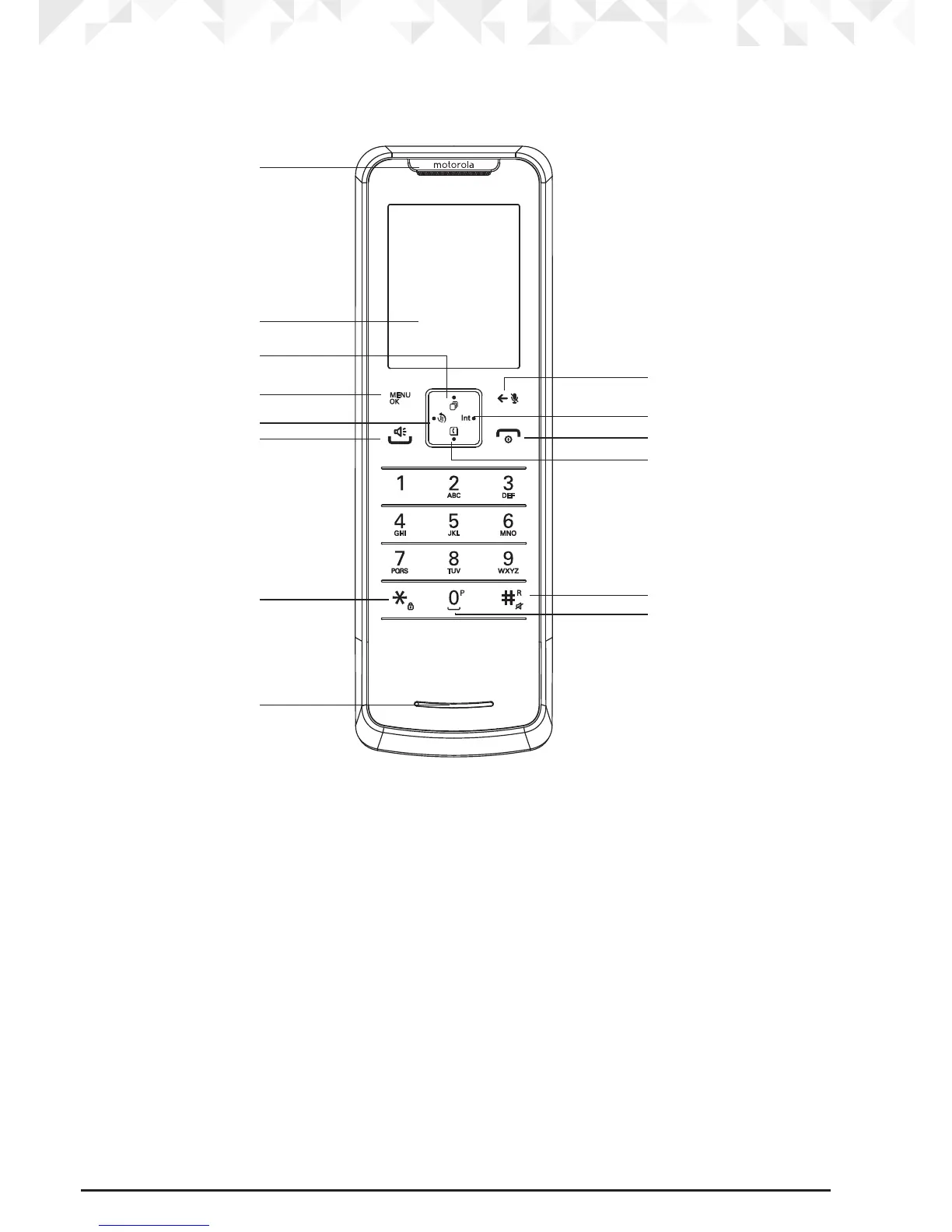
Overview of your handset
A Earpiece
B Display
See page 12 for display icons.
C Call Log / Scroll Up / Volume up
Open the Call log. Press
u to enter Call log menu and then press M to select
Call
List
menu.
Scroll up through lists and settings.
D Menu / OK
Enter the main menu.
Select the option displayed on screen.
Conrm menu option –
OK
is displayed on screen.
E Redial
Open the redial list.
A
B
C
D
E
F
G
H
I
J
K
M
L
N


 To Next Page
 Loading...








