The “Labels” Program
Help Feature
A-2 MC3000 Digital Deskset Operator and Installation Manual
(6880309L15-A)
Help Feature
For information on how to use the Labels program, use the “Help” feature.
To start the “Help” feature, select the Contents command from the Help menu.
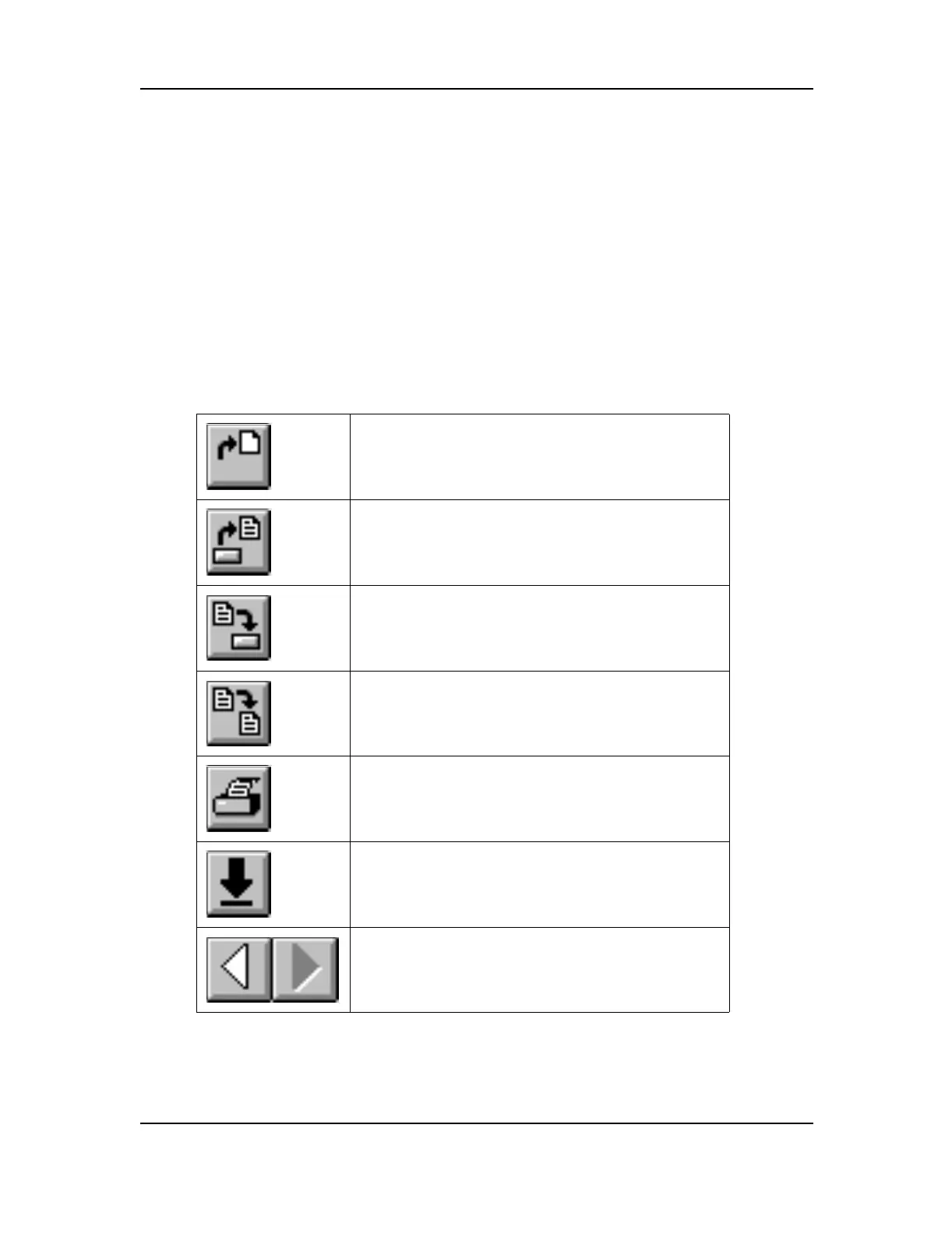
Toolbar
This button allows you to create a new label file.
This button allows you to open an existing label file.
This button allows you to save the current file.
This button allows you to save the current file under
a new name.
This button allows you to print the labels.
This button allows you to select a module from a list.
These buttons allow to select the previous and next
module in the list.



 To Next Page
 Loading...










