The “Labels” Program
Creating a New Label File
MC3000 Digital Deskset Operator and Installation Manual A-3
(6880309L15-A)
Creating a New Label File
To create a new label file using the labels program:
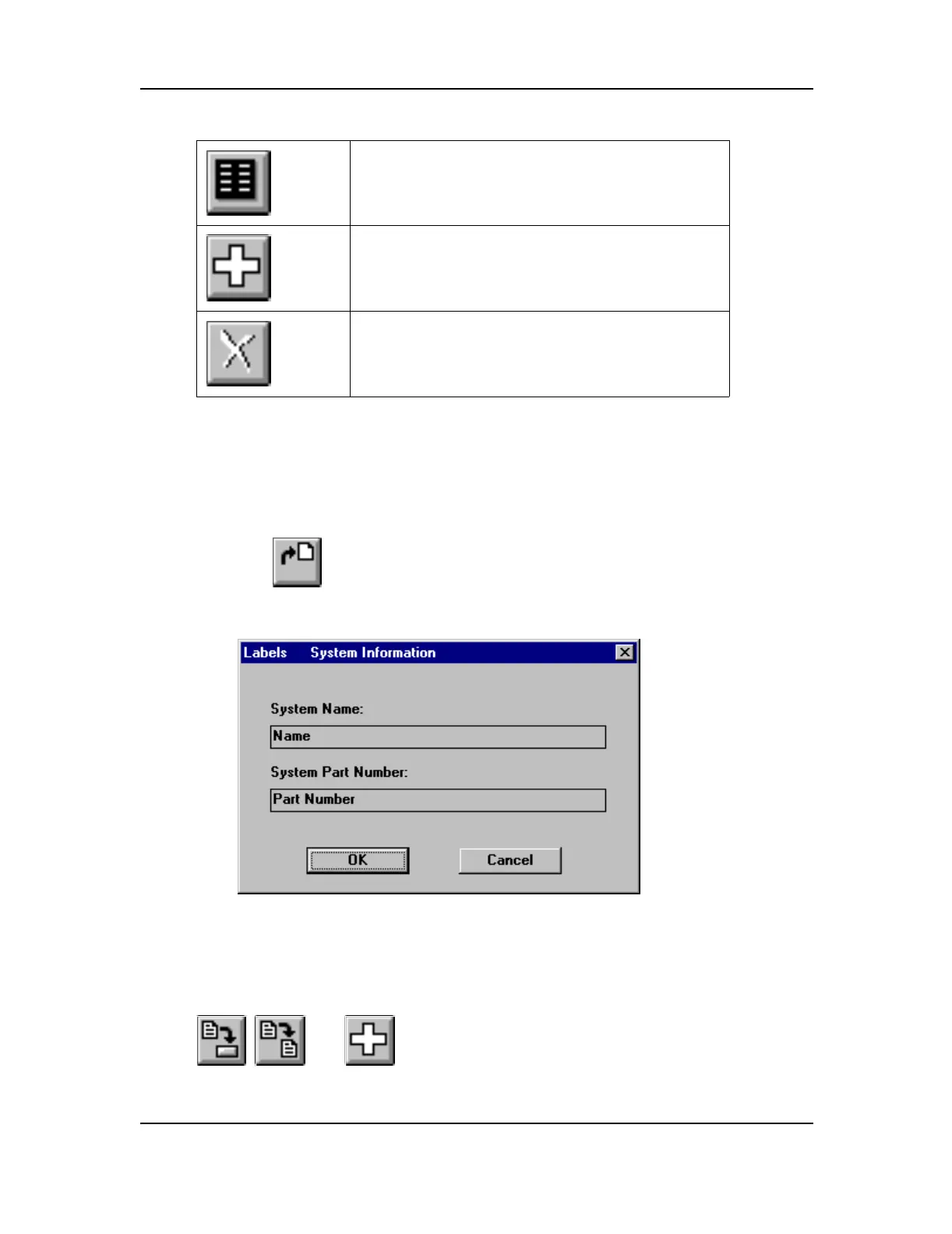
1. Select , or the New label file command from the File menu. The “Labels Sys-
tem Information” dialog box appears.
2. Add the system name and system part number.
3. Press the OK button.
, , and become active.
This button allows you to edit the labels of the
selected module.
This button allows you to add a new module to the
list.
This button allows you to delete the selected mod-
ule.
Figure A-2: System Information Dialog Box



 To Next Page
 Loading...










