21
main attractions
record & play video clip
record a video clip
Find it:
Press
M
>
My MEdia
>
Videos
>
[New Video]
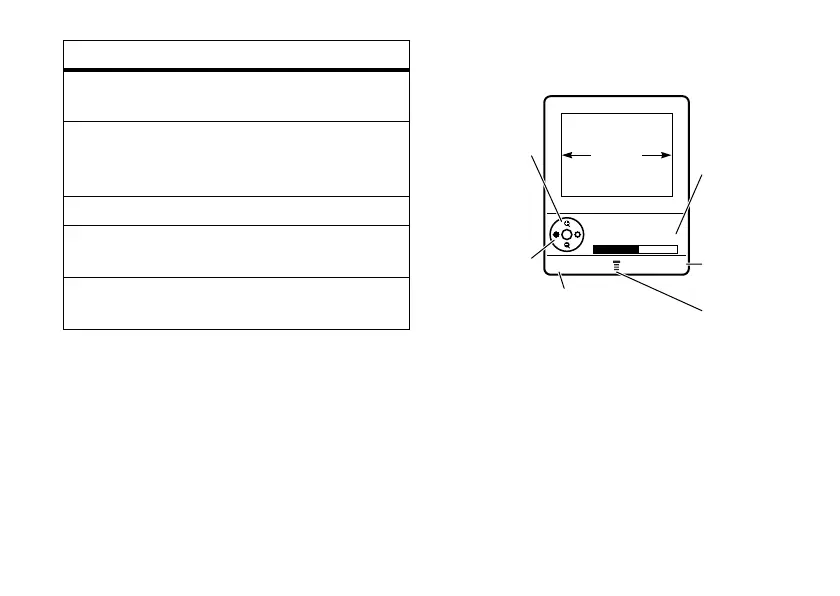
The active viewfinder image displays.
Note:
You can zoom in or out only before you
start recording.
1
Point the camera lens at the video
subject.
option
Go To
Pictures
View stored pictures.
Switch
Storage
Device
Save pictures on the phone or
memory card.
Flash
Turns on the flash.
Pictures
Setup
Adjusts picture settings.
View Free
Space
See how much memory
remains for storing pictures.
BACK CAPTURE
Return to
previous screen.
Press
S
up/down to
zoom in/out.
Press
S
left/right to
decrease/
increase
brightness.
Press
M
to open
Videos Menu
.
Start video
capture.
VIDEO
CLIP
AREA
Video Viewfinder
Memory Used:59%
Memory
Used (Phone
or Memory
Card)












 To Next Page