42
basics
•
If you don’t want to save your text or
text edits, press
h
to exit without
saving.
•
Tap extended mode cycles through
additional special characters and
symbols as you repeatedly press a
keypad key.
numeric mode
Press
#
in a text entry screen until you see
W
. Press the number keys to enter the
numbers you want.
symbol mode
Press
#
in a text entry screen until you see
[
. Press a keypad key to show its symbols at
the bottom of the display. Highlight the
symbol you want, then press the
SELECT
key.
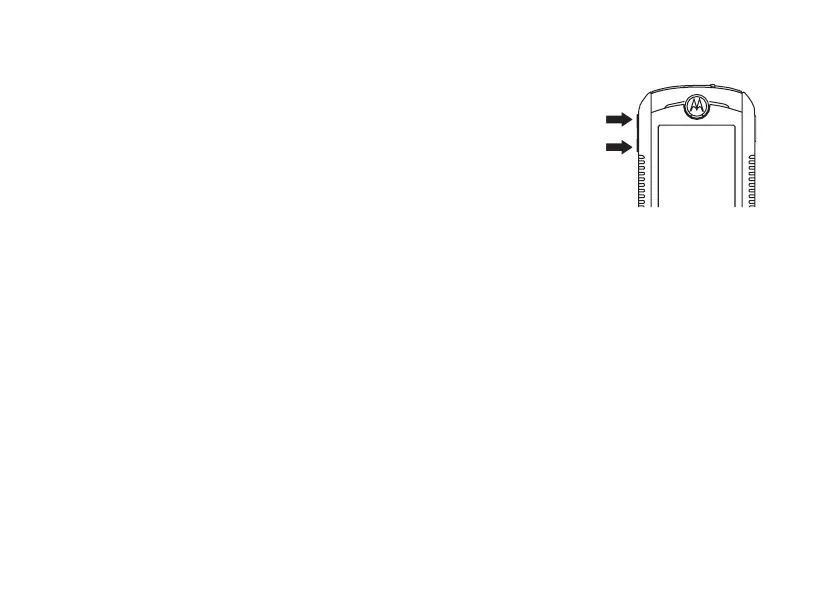
volume
Press the volume
keys to:
•
turn off an
incoming
call alert
•
change the
earpiece volume during a call
•
change the ringer volume from the
home screen
Tip:
Sometimes silence really is
golden. That’s why you can quickly set
your ringer to
Vibrate
or
Silent
by pressing
the down volume key repeatedly in the
home screen.
032394o.eps












 To Next Page