EasyManua.ls Logo

Motorola ROKR E1 - Menus

Motorola ROKR E1
214 pages
Print Icon
To Next Page IconTo Next Page
To Previous Page IconTo Previous Page
Loading...
36
basics
7 Battery Level Indicator
Vertical bars
show the battery charge level. Recharge
the battery when your phone shows
Low Battery
.
8 Audio Style Indicator –
Shows the ring
style setting.
menus
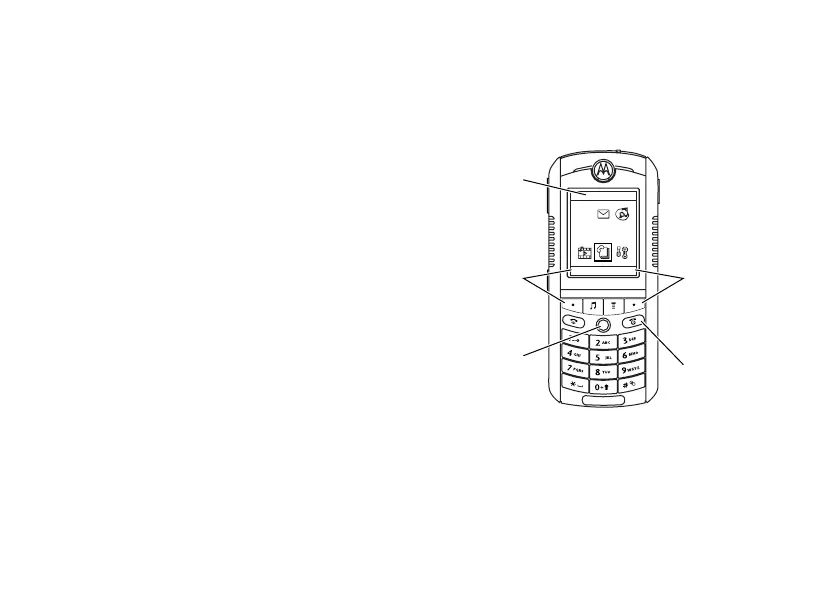
From the home screen, press
M
to open the
main menu.
r
= text message
t
= voicemail
message
s
= voicemail &
text message
y
= loud ring
z
= soft ring
|
= vibrate
}
= vibrate then
ring
{
= silent
Exit the
main menu.
Highlighted
Menu
Feature
Select
highlighted
menu
feature.
Exit menu
without
making
changes.
Scroll
up/down/
left/right.
Press in to
select menu
feature.
Address Book
EXIT SELECT
ã
V
$
0

Table of Contents

Other manuals for Motorola ROKR E1

Related product manuals